What should I do if I can't find or connect to soundcore 2?

1. Make sure your soundcore 2 and your cell phone are within Bluetooth range.

2. If you still can’t find or connect to the device after powering it on, press the Bluetooth button on the speaker to enter pairing mode. When the Bluetooth indicator light starts blinking, turn Bluetooth off and on again on your phone, then search for and pair the device.

3. If you still can’t connect, try using another phone or computer to check if device compatibility is the issue.


If you have additional questions, please contact us for further assistance.

Download icon
What should I do if I can't find or connect to soundcore 2?
Unresolved icon
28 undefined
Unlock Our New Easy-To-Use Warranty Service
260834 views380 likes/2025-04-08 16:02:12
soundcore parts and accessories
29003 views1 likes/2025-04-08 16:00:05
How to reset a soundcore speakers
21065 views8 likes/2025-04-08 16:00:34
How to Pair Two Soundcore 2 Speakers Together?
24393 views3 likes/2025-04-08 16:02:02
Soundcore Warranty Policy
56956 views10 likes/2022-10-13 11:05:11
soundcore speakers failed to connect with my devices
14865 views1 likes/2025-04-08 15:56:00
How to charge and power on soundcore speakers
14241 views3 likes/2025-04-08 15:56:00
What if the Speaker is Not Charging?
7241 views1 likes/2025-04-08 16:00:08
Bluetooth connected but no sound in soundcore speakers
7920 views1 likes/2025-04-08 15:55:59
Download icon
Mini دليل المستخدم (A3101)
Download icon
A3101_Soundcore_Mini_Manual
Download icon
Mini Uživatelská Příručka (A3101)
Download icon
Mini Brugervejledning (A3101)
Download icon
Mini Guía del Usuario (A3101)
Download icon
Mini User Guide (A3101)
View More
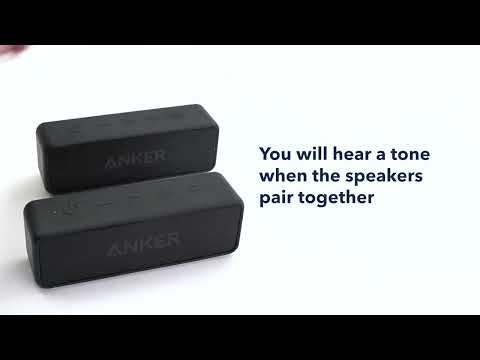
Play videoHow to pair two Soundcore 2 Speakers via True Wireless Stereo
How to pair two Soundcore 2 Speakers via True Wireless Stereo
Contact Us