How can I tell if soundcore 2 is the new version or the old version?

1. Check the Bluetooth version number via Quick Start Guide/User Guide. Version 6.0 indicates the new version.

2. Check the 7th character of the SN. "C" indicates the new version, while "0" or "1" indicates the old version. The SN is located on a label on the left side of the packaging box, or the A3105 SN sticker on the product.


If you encounter any other issues or your issue has not been resolved, please contact us for further assistance.

Download icon
How can I tell if soundcore 2 is the new version or the old version?
Unresolved icon
35 undefined
Unlock Our New Easy-To-Use Warranty Service
263199 views388 likes/2025-04-08 16:02:12
soundcore parts and accessories
30020 views1 likes/2025-04-08 16:00:05
How to reset a soundcore speakers
21908 views8 likes/2025-04-08 16:00:34
How to Pair Two Soundcore 2 Speakers Together?
25302 views4 likes/2025-04-08 16:02:02
Soundcore Warranty Policy
57581 views10 likes/2022-10-13 11:05:11
soundcore speakers failed to connect with my devices
15634 views1 likes/2025-04-08 15:56:00
How to charge and power on soundcore speakers
14752 views3 likes/2025-04-08 15:56:00
What if the Speaker is Not Charging?
7558 views1 likes/2025-04-08 16:00:08
Bluetooth connected but no sound in soundcore speakers
8333 views1 likes/2025-04-08 15:55:59
Download icon
Mini دليل المستخدم (A3101)
Download icon
A3101_Soundcore_Mini_Manual
Download icon
Mini Uživatelská Příručka (A3101)
Download icon
Mini Brugervejledning (A3101)
Download icon
Mini Guía del Usuario (A3101)
Download icon
Mini User Guide (A3101)
View More
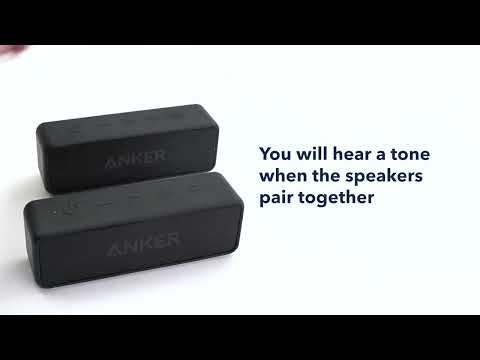
Play videoHow to pair two Soundcore 2 Speakers via True Wireless Stereo
How to pair two Soundcore 2 Speakers via True Wireless Stereo
Contact Us