What if Soundcore Life Q35 has the Wearing Detection issue?
You can try the general troubleshooting steps:
1. Adjust the headband and make sure you're wearing them in a comfortable position so that they stay secure.
2. Press the play/pause button to pause and then resume playing the music.
3. Reset the headphones by holding down the Power button and Volume up button for 5 seconds.
4. Upgrade to the latest firmware.
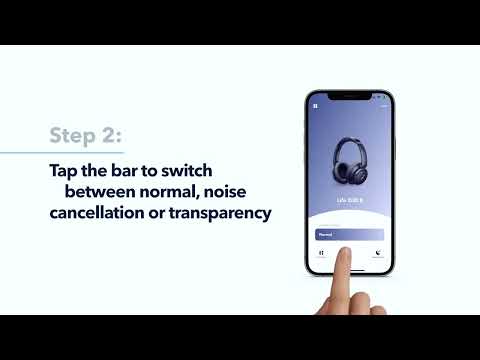
Note: You can also turn off wearing detection in the Soundcore app if you don't want to use it.
If you have additional questions, please contact us at Service@soundcore.com for further assistance. Make sure to mention that you have tried the steps in this FAQ so our agents do not ask you to repeat these steps.