What do I do if I cannot be heard on a call while using PowerConf H500/H700?

- Make sure the mic boom is located in the correct area. It should be positioned at a 45° angle.

- Press the Mute button to turn on the microphone to check whether the Mic Mute light is on or off.

- Move the mic boom to its original position, then try to turn it on again.

- Check whether you have muted your mic during a call or video conference.


If you have additional questions, please contact us at support@ankerwork.com for further assistance. Make sure to mention that you have tried the steps in this FAQ so our agents do not ask you to repeat these steps.


Unresolved icon
20 undefined
Download icon
A3511 EU DOC
Download icon
A3510 PowerConf H700 DOC
Download icon
A3511 PowerConf H500 DOC
Download icon
PowerConf H500 A3511 User Manual
Download icon
PowerConf H500 A3511 Quick Start Guide
Download icon
PowerConf H700 A3510 Quick Start Guide
View More
Play video
How to Use PowerConf H700 - The AI-Powered Portable Headset
Play video
How to Use PowerConf H500 - The AI - Powered Portable Headset
Play video
How to Assemble the Charging Stand and Charge PowerConf H700
Play video
How to Turn On/Off PowerConf H700
Play video
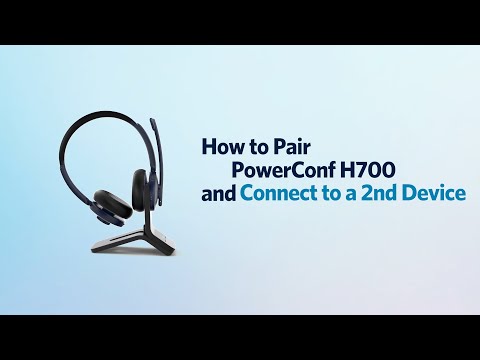
How to Pair PowerConf H700 and Connect to a 2nd Device
Play video
How to Use the AnkerWork App
View More
Contact Us