What do I do if Anker PowerConf H500/H700 cannot charge / power on / does not fully charge?
- Try using a different charging cable and a certified wall charger with at least a 5 V / 1 A output. If you are using a charger or USB port with a lower output, PowerConf H500/H700 may not charge correctly.
- Fully dry off the USB-C charging port before charging.
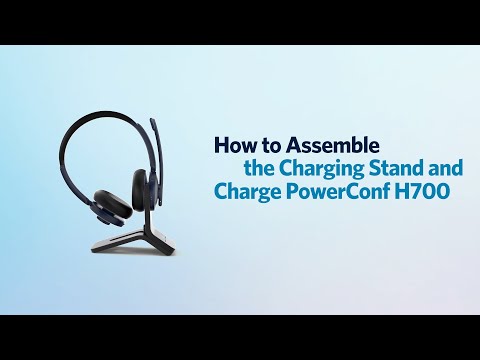
If you are using the charging stand:
Align the charging pins on both the headphones and the charging stand when charging. You will see a blue LED light flashing slowly, then turn steady for 1 second, and turn off for 3 seconds.
If you have additional questions, please contact AnkerWork's customer support at support@ankerwork.com for further assistance. Make sure to mention that you have tried the steps in this FAQ so our agents do not ask you to repeat these steps.