How do I reset PowerConf H500/H700?
You can reset PowerConf H500/H700 by pressing the power button and the rotating knob simultaneously for 5 seconds until the LED indicator on the mic boom flashes red for 5 seconds.
If you have additional questions, please contact AnkerWork's customer support at support@ankerwork.com for further assistance.


20 undefined
Get Started with Anker PowerConf H500


Get Started with Anker PowerConf H700
How to Fix PowerConf Sound Issues
How to Fix PowerConf Mic Issues
What do I do if Anker PowerConf H500/H700 cannot charge / power on / does not fully charge?
How to Fix PowerConf Bluetooth Issues
What do I do if PowerConf H700's noise cancellation performance does not meet expectations?
How to Fix PowerConf Low Volume Issue During a Conference Call

A3511 EU DOC
A3510 PowerConf H700 DOC
A3511 PowerConf H500 DOC
PowerConf H500 A3511 User Manual
PowerConf H500 A3511 Quick Start Guide
PowerConf H700 A3510 Quick Start Guide
View More

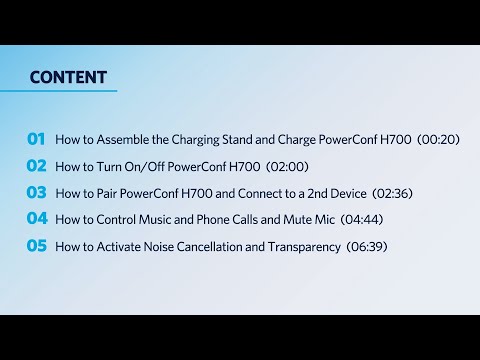
How to Use PowerConf H700 - The AI-Powered Portable Headset
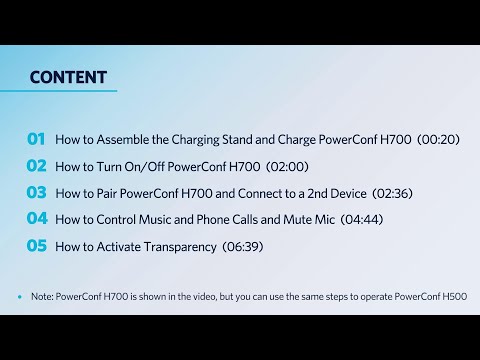
How to Use PowerConf H500 - The AI - Powered Portable Headset
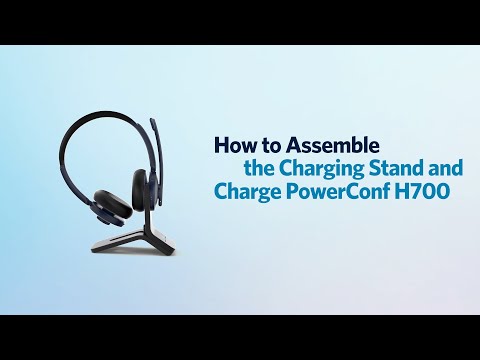
How to Assemble the Charging Stand and Charge PowerConf H700
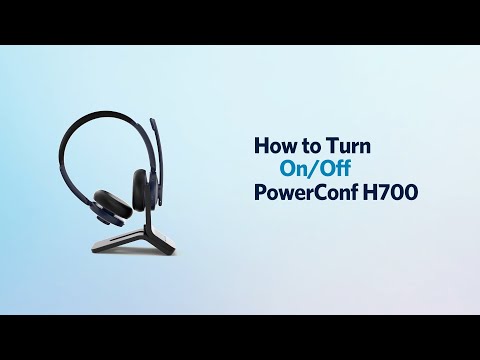
How to Turn On/Off PowerConf H700
How to Pair PowerConf H700 and Connect to a 2nd Device

How to Use the AnkerWork App
View More


