What can I do if my soundcore 2 won't charge?

1. soundcore 2 requires a 5V/2A power supply. Please ensure your charger matches this specification and is functioning properly. Also, try using the original cable included in the box.

2. Check the charging port for any debris or obstructions. Plug in the cable again, making sure both the cable and device are properly connected.

3. Try using different cables and adapters. If the indicator light turns on normally and the device has not been used for an extended period, please let it charge for at least one hour before trying again.


If you have additional questions, please contact us for further assistance.

Download icon
What can I do if my soundcore 2 won't charge?
Unresolved icon
28 undefined
Unlock Our New Easy-To-Use Warranty Service
261244 views382 likes/2025-04-08 16:02:12
soundcore parts and accessories
29176 views1 likes/2025-04-08 16:00:05
How to reset a soundcore speakers
21186 views8 likes/2025-04-08 16:00:34
How to Pair Two Soundcore 2 Speakers Together?
24542 views4 likes/2025-04-08 16:02:02
Soundcore Warranty Policy
57059 views10 likes/2022-10-13 11:05:11
soundcore speakers failed to connect with my devices
15003 views1 likes/2025-04-08 15:56:00
How to charge and power on soundcore speakers
14341 views3 likes/2025-04-08 15:56:00
What if the Speaker is Not Charging?
7286 views1 likes/2025-04-08 16:00:08
Bluetooth connected but no sound in soundcore speakers
7987 views1 likes/2025-04-08 15:55:59
Download icon
Mini دليل المستخدم (A3101)
Download icon
A3101_Soundcore_Mini_Manual
Download icon
Mini Uživatelská Příručka (A3101)
Download icon
Mini Brugervejledning (A3101)
Download icon
Mini Guía del Usuario (A3101)
Download icon
Mini User Guide (A3101)
View More
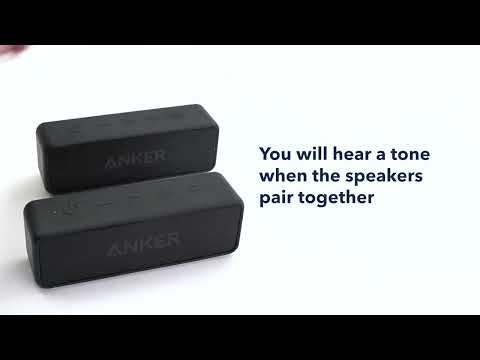
Play videoHow to pair two Soundcore 2 Speakers via True Wireless Stereo
How to pair two Soundcore 2 Speakers via True Wireless Stereo
Contact Us