What Should I Do If My Soundcore 3 has Poor Sound Quality?
There are several reasons why a speaker has poor sound quality. It could be because of the speaker's battery, the device connected with the speaker, the audio source, and so on.
If your Soundcore 3 has poor sound quality, please try these steps:
- Confirm that Soundcore 3 is fully charged
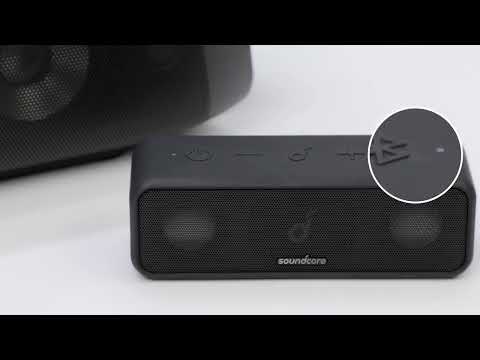
- Reset Soundcore 3 by holding the Bluetooth and Vol+ buttons at the same time for 5-10 seconds
- Connect the Soundcore 3 to another device
- Try a different app or audio source
If the issue persists, please contact us at service@soundcore.com for further assistance. Make sure to mention that you have tried the listed steps so our agents do not ask you to repeat them.