What to do if Liberty Air 2 Pro has touch panel related issues?
- Try other ear tip sizes to ensure you're using one that fits well and creates a tight seal.
You can click on the following link and learn how to get a secure fit of your earbuds:
- Make sure you're touching on the center of the touchpad.
- Upgrade the app and firmware to the latest version.
- Reset the earbuds and try to pair them again with your device.
You can click on the following link to learn how to reset your earbuds:
If you have additional questions, please contact us at service@soundcore.com for further assistance. Make sure to mention that you have tried the steps in this FAQ so our agents do not ask you to repeat these steps.


20 undefined
Soundcore Warranty Policy


Payments & Vouchers FAQ
How to Maintain and Care for soundcore Headphones
How to Register Your E-Warranty Card in the Soundcore App
Guide to Locating the Serial Number (SN) of Your soundcore Headphones
How to Reset Your soundcore Headphones
How to Clean soundcore Headphones
Parts and Accessories of soundcore Headphones
Unlock Our New Easy-To-Use Warranty Service

Liberty Air 2 Pro A3951 User Manual
A3951 Liberty Air 2 Pro DOC
Liberty Air 2 Pro A3951 QSG


Liberty Air 2 Pro - Escape Into Pure Sound
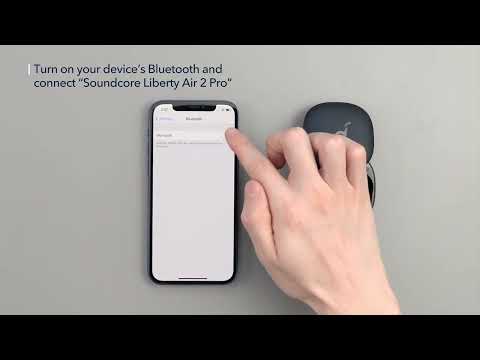
How To Use Soundcore Liberty Air 2 Pro

How to Power Liberty Air 2 Pro and Use the Controls
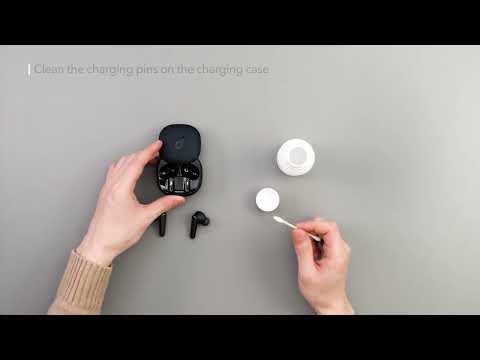
How to Maintain Your Liberty Air 2 Pro
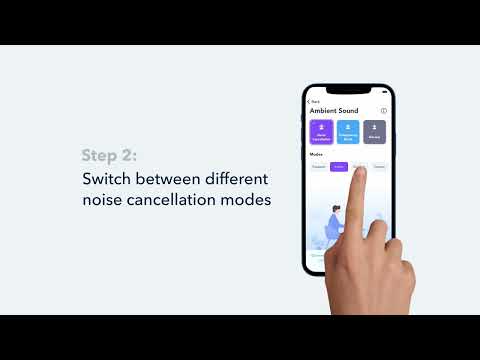
How to Switch Between Modes in the Soundcore App for Liberty Air 2 Pro A3951

How to Wear Liberty Air 2 Pro A3951 Correctly
View More


