If the Liberty Buds is already connected to two devices, how do I connect it to another device?

There are two ways to do it.


Option 1: Disconnect One Device

Turn off Bluetooth on one of your devices, or go to its Bluetooth settings and disconnect the earbuds. Then, press and hold both earbuds for 3 seconds simultaneously to enter pairing mode.


Option 2: Disconnect Both Devices

Place the earbuds in the charging case and leave the lid open. Then, press the case button for 3 seconds to enter pairing mode.


If you encounter any other issues or your issue has not been resolved, please contact us for further assistance.

Download icon
If the Liberty Buds is already connected to two devices, how do I connect it to another device?
Unresolved icon
39 undefined
Download icon
soundcore Liberty Buds User Guide (D1200)
Download icon
soundcore Liberty Buds 取扱説明書 (D1200)
Download icon
soundcore Liberty Buds دليل المستخدم (D1200)
Download icon
soundcore Liberty Buds Ръководство за потребителя (D1200)
Download icon
soundcore Liberty Buds Korisničko uputstvo (D1200)
Download icon
soundcore Liberty Buds Uživatelská Příručka (D1200)
View More
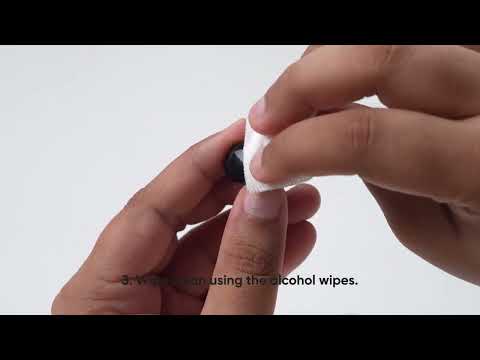
Play videoHow to Deep Clean Liberty Buds | soundcore Support
How to Deep Clean Liberty Buds | soundcore Support
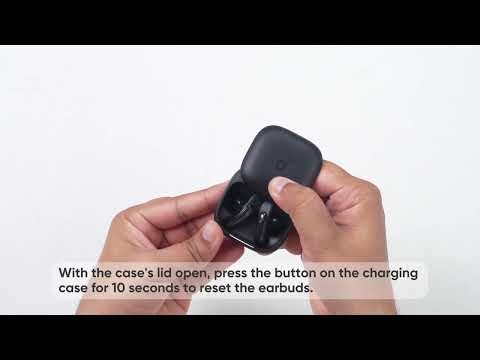
Play videoHow to Reset Liberty Buds | soundcore Support
How to Reset Liberty Buds | soundcore Support
Play videoHow to Wear Liberty Buds Correctly | soundcore Support
How to Wear Liberty Buds Correctly | soundcore Support
Play videoHow to Connect to 2 Devices at the Same Time | soundcore Support
How to Connect to 2 Devices at the Same Time | soundcore Support
Contact Us