How to avoid triggering the touchpad by accident when adjusting Liberty Air 2 Pro in the ears?
Use the stems of the earbuds to adjust their position in your ears and avoid touching the touchpad.
If you have additional questions, please contact us at service@soundcore.com for further assistance.


20 undefined
Soundcore Warranty Policy


Payments & Vouchers FAQ
How to Maintain and Care for soundcore Headphones
How to Register Your E-Warranty Card in the Soundcore App
Guide to Locating the Serial Number (SN) of Your soundcore Headphones
How to Reset Your soundcore Headphones
How to Clean soundcore Headphones
Parts and Accessories of soundcore Headphones
Unlock Our New Easy-To-Use Warranty Service

Liberty Air 2 Pro A3951 User Manual
A3951 Liberty Air 2 Pro DOC
Liberty Air 2 Pro A3951 QSG


Liberty Air 2 Pro - Escape Into Pure Sound
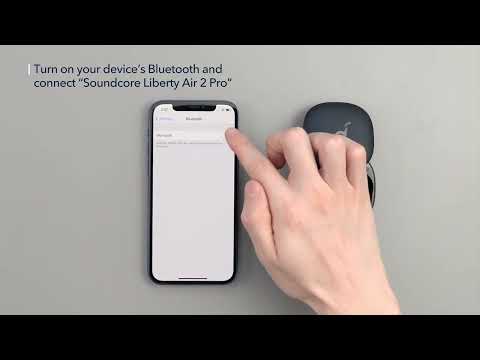
How To Use Soundcore Liberty Air 2 Pro

How to Power Liberty Air 2 Pro and Use the Controls
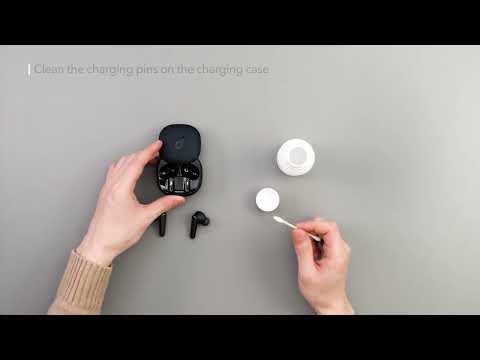
How to Maintain Your Liberty Air 2 Pro

How to Switch Between Modes in the Soundcore App for Liberty Air 2 Pro A3951

How to Wear Liberty Air 2 Pro A3951 Correctly
View More


