How to Wear Sleep A10 Earbuds Correctly and Comfortably
If your Sleep A10 earbuds are uncomfortable and have an unstable fit, there are a few things you can try.
Step 1: Make sure you wear the ear tips and ear wings correctly.
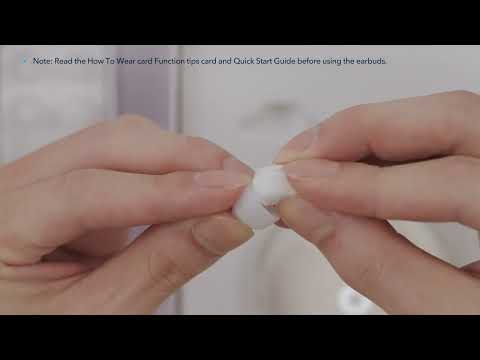
Choose the ear tips and ear wings that fit your ears the best, we recommend that you start with size M ear tips and ear wings.
Insert the earbud into your ear and find a suitable position for the best fit. If the earbuds are too deep in your ears, it may affect the Bluetooth connection. If you experience connection issues, we recommend that you replace the ear tips and wings with larger ones.
Step 2: When using them in bed, try a soft pillow or a piercing pillow.
Use a soft pillow. Pillows that are too hard may exert more pressure on your ears if you sleep on your side, which can affect the connection to your phone.
Use a piercing pillow. It's a doughnut-shaped cushion with a hole for the ear to fit in. It keeps all the pressure away from the earbud. Piercing pillows for side sleepers are a great solution for anyone who experiences discomfort while wearing earbuds to sleep.
Do not use water pillows or pillows with metal or magnetic components.
After following those steps you should now be wearing Sleep A10 earbuds correctly which will greatly improve your listening experience and sleep.
If you have any more issues or your issue has not been resolved, please contact us for further assistance.