Q: How can I use Typeless with soundcore Work?
soundcore Work device acts as a wearable microphone for the Typeless app. Speak naturally, and Typeless turns your speech into text and inserts it to the text field you're using. You can use it to write messages, emails, documents, and prompts for AI tools.
Q: What's the difference between Recording Mode and Dictation Mode?
In Recording Mode, you use the soundcore Work device with the soundcore app to record audio. In Dictation Mode, you use the device as a microphone for Typeless.
Q: Can I use soundcore Work with Typeless on my computer or phone?
Yes. The Typeless app works with soundcore Work on macOS, Windows, iOS, and Android. Make sure you're using the latest version of Typeless and soundcore Work.
Q: Where can I download Typeless to use with soundcore Work?
Go to https://www.typeless.com/downloads. Choose the macOS or Windows app for your computer, or use the App Store or Google Play link for your phone. Sign in to your Typeless account and complete the app's initial setup before connecting soundcore Work.
Q: Which versions of soundcore Work support Dictation Mode?
All soundcore Work devices support Dictation Mode:
1. Newly manufactured devices support Dictation Mode out of the box.
2. For devices you've already purchased, please update the firmware to version 03.58 or later in the soundcore app before use.
Q: Can soundcore Work be used as a microphone for my phone or computer without installing Typeless?
Yes. Once soundcore Work is in Dictation Mode and paired with your phone or computer via Bluetooth, it can be used as an external microphone for audio input only. It will not function as an audio output device.
Note: If Typeless is not connected, you will not be able to trigger voice input by double-pressing the recorder button.
Q: Can soundcore Work still connect to the soundcore app while in Dictation Mode?
No. The device can only operate in one mode at a time.
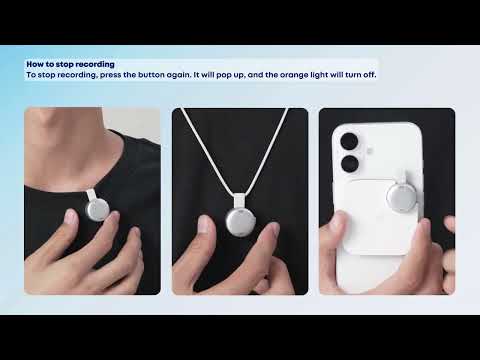
To exit Dictation Mode, press the button again until it pops up. The device will then return to the default Recording Mode.
Q: What operating system versions do I need to run Typeless?
Typeless requires macOS 13 or later, Windows 10 or later, iOS 16.1 or later, or Android 7.0 or later.