How to Use Ask Anything in Typeless(D3200)

Q: What can I do with Ask anything?

Use Ask anything to work with text or find information without leaving your current app. You can select any text and ask Typeless to rewrite, summarize, translate, or explain it. You can also ask Typeless directly for quick answers or to take quick actions on the web. On desktop, Help me write is part of Ask anything. Describe what you want to write, and Typeless will create a complete reply, email, post, or document.


Q: How do I use Ask anything?

Select any text in a text field, whether it's typed, dictated, or pasted. Press the Ask anything shortcut once: Fn + Space on macOS or Right Alt + Space on Windows.

Unresolved icon
20 undefined
Download icon
soundcore Work Benutzerhandbuch (D3200)
Download icon
【D3200】【soundcore Work】EU Declaration
Download icon
soundcore Work İstifadəçi təlimatı (D3200)
Download icon
soundcore Work Guide de l'utilisateur (D3200)
Download icon
soundcore work Ръководство за потребителя (D3200)
Download icon
soundcore Work Korisničko uputstvo (D3200)
View More
Play video
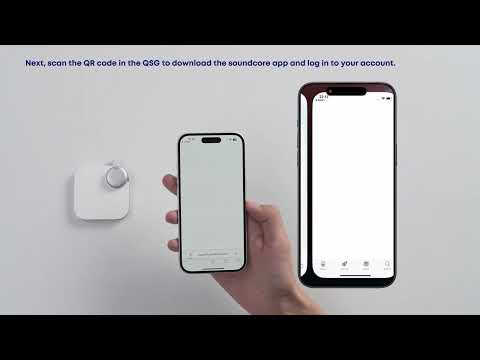
First-Time Setup: Activating and Connecting Your Device | soundcore Support
Play video
Getting Ready to Record: How to Wear and Use theDevice | soundcore Support
Play video
Recording Controls: Start, Stop, and Mark Key Moments | soundcore Support
Play video
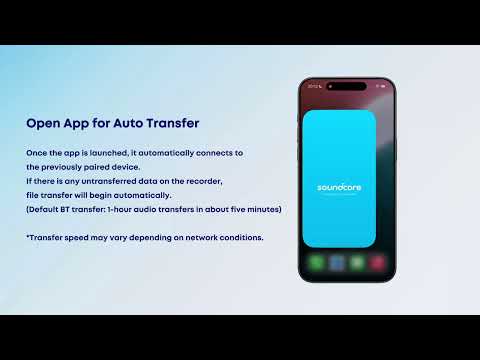
Transferring Audio Recordings for Review, Transcripption, and Summarization | soundcore Support
Play video
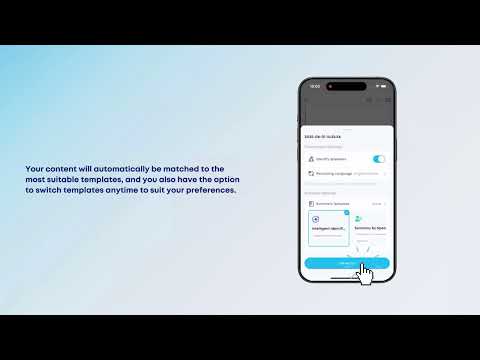
Transcribing and Summarizing Your Recordings for Easy Review | soundcore Support
Play video
Unlock the Full Potential of Your Recordings With Advanced Al Features | soundcore Support
View More
Contact Us