How to Turn On/Off/Change the Light Effect on soundcore VR P10

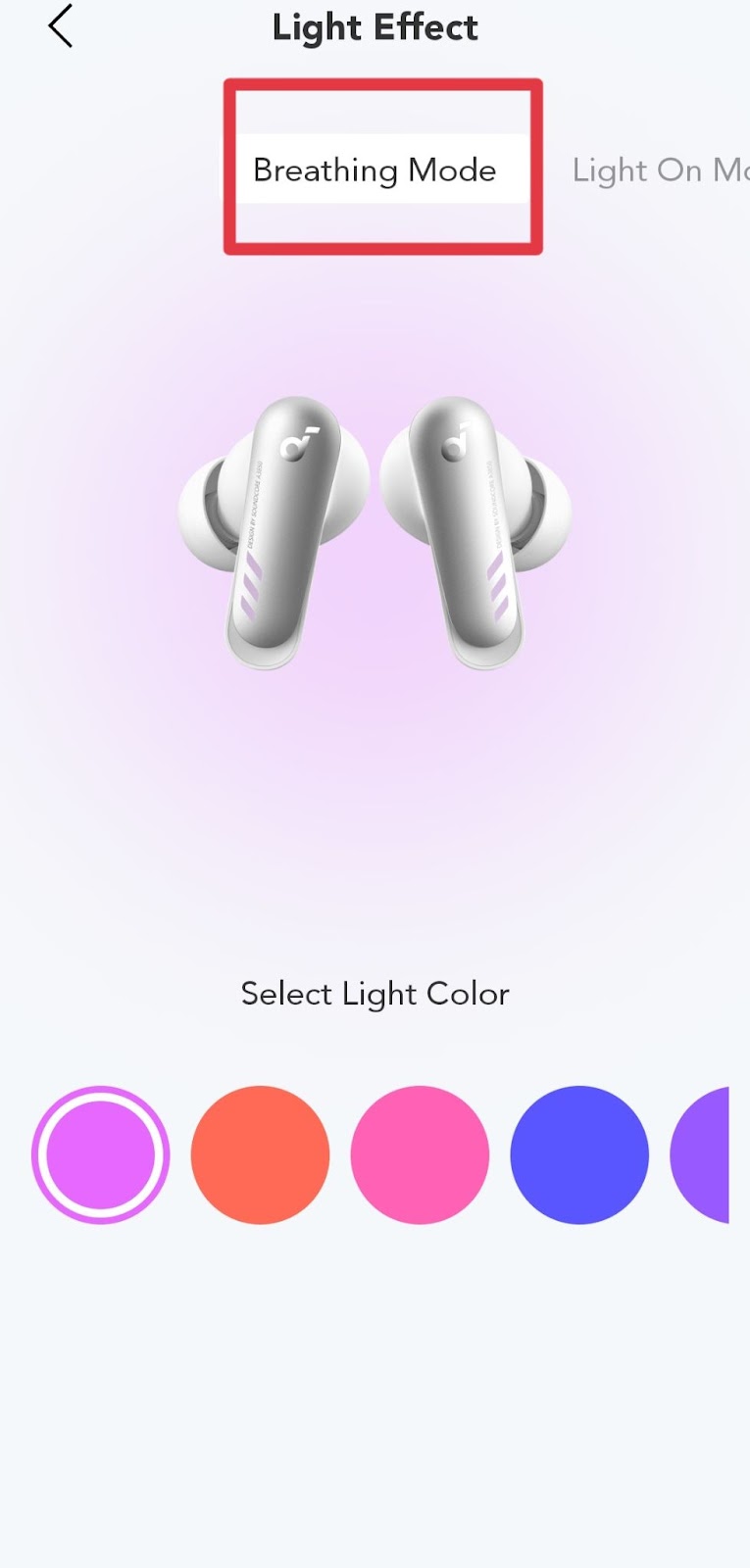
You can turn on/off/change the light effect through the soundcore app. Pair your soundcore VR P10 with both your phone and the soundcore app, click the "Light Effect" option, there will be 3 modes.
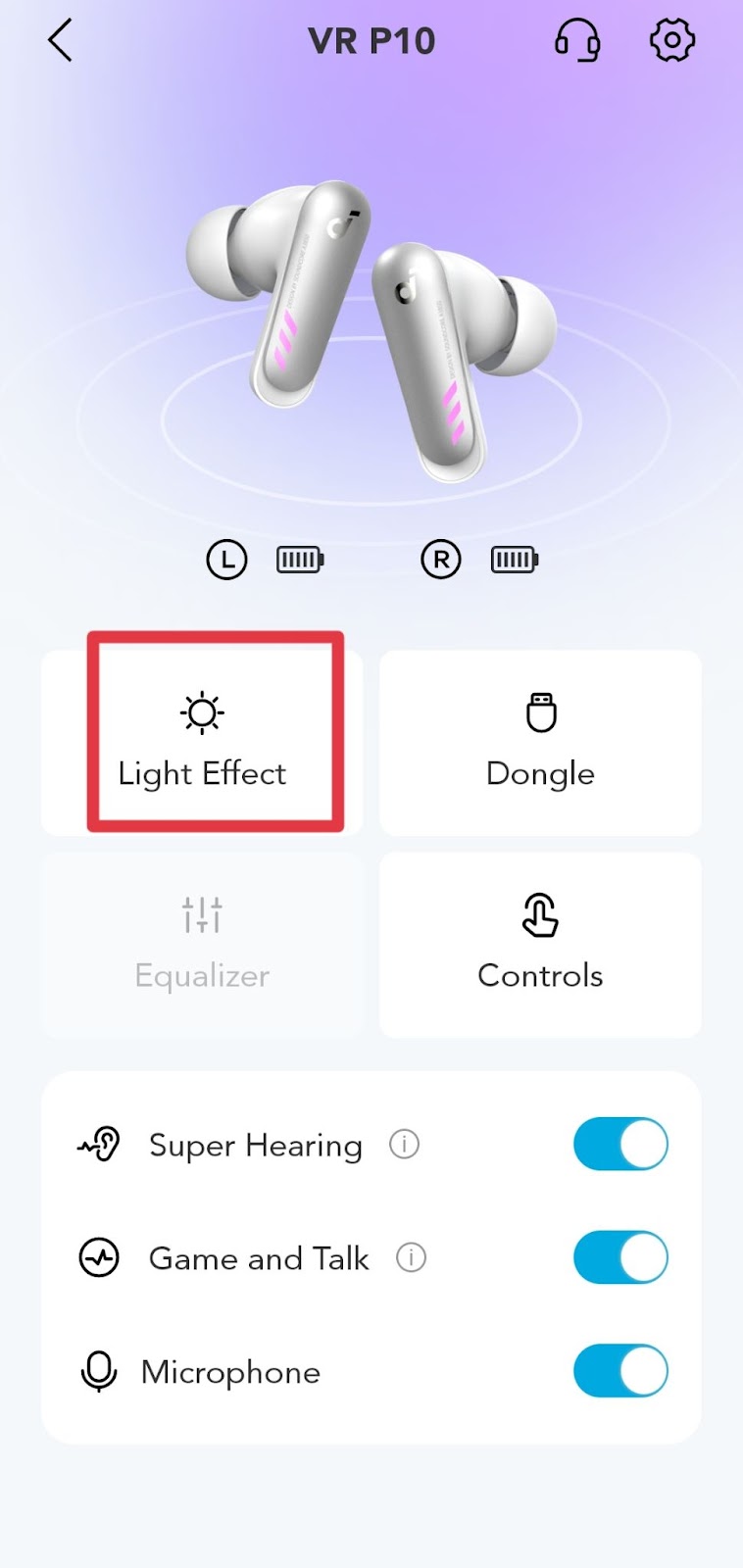
 

1. Breathing Mode: the light on the earbuds will mimic a breathing effect (see the screenshot).
 

2. Light On Mode: the light on the earbuds will always be on (see the screenshot).


3. Battery Saving mode: the light on the earbuds will be off (see the screenshot).


You can also choose the color of the light on Breathing mode and Light On mode.


Please note

1. The light effects are only for the earbuds and dongle, not for the charging case.

2. The light on the dongle will have the same light effect as the earbuds.

3. When the earbuds are in Battery Saving mode, the dongle light will always be the color of the last setting by default.


If you encounter any issue during the process, please email us for further assistance.
Unresolved icon
16 undefined
Unlock Our New Easy-To-Use Warranty Service
273616 views480 likes/2025-04-08 16:02:12
How to Reset Your soundcore Headphones
59167 views6 likes/2025-04-08 16:03:59
Parts and Accessories of soundcore Headphones
14336 views1 likes/2025-04-08 16:02:25
How to Clean soundcore Headphones
8882 views2 likes/2025-04-08 16:02:37
Can I use the left or right earbud on its own?
5258 views1 likes/2025-04-08 15:55:46
How to Reset soundcore VR P10
2669 views1 likes/2025-04-08 15:55:45
How to Maintain and Care for soundcore Headphones
6329 views2 likes/2025-04-08 16:02:59
soundcore VR P10 Earbuds Specifications
3494 views1 likes/2025-04-08 16:01:52
Download icon
A3850_soundcore_VR_P10_Declaration_of_Conformity
Download icon
A3850_soundcore_VR_P10_QSG
Download icon
A3850_soundcore_VR_P10_Manual
Play videoHow to use soundcore VR P10
How to use soundcore VR P10
Play videoHow to Clean Your Headphones
How to Clean Your Headphones
Contact Us

