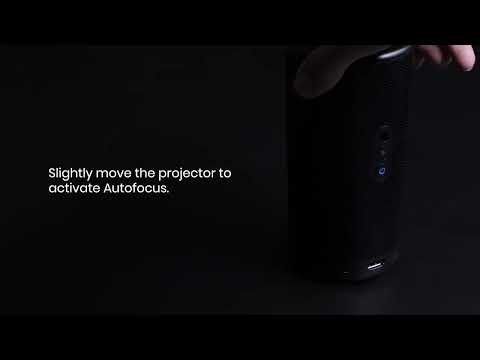
If you are experiencing Autofocus frequently issues with your Capsule 3 Laser/Mars 3 projector, try the following troubleshooting steps:
1. Please ensure that there are no obstructions in front of the projector.
2. Place the projector on a flat and stable surface, such as a table or stand.
3. Go to Settings > Projector Settings > Advanced Settings > Motion Settings, and adjust the trigger threshold to low.
4. If you experience issues while playing videos, try lowering the volume.
5. Disable the motion trigger switch in the settings.
For motion trigger in keystone correction:
Settings > Projector Settings > Image Correction > Auto Keystone Correction After Movement
For motion trigger in auto focus:
Settings > Projector Settings > Focus Settings > Auto Focus After Movement
6. If the projector is hot, turn it off and allow it to cool down before using it again.
If the issue persists, please contact us. Be sure to include a short video showing the surroundings when projecting the image and mention that you have already tried the listed steps to avoid being asked to repeat them by our team.