How to reset soundcore 2 speaker

A reset can reboot your speaker or it can clear all the current settings and revert it back to its original out-of-box state. If you encounter issues such as being unable to connect to Bluetooth, noise, audio delay, true wireless stereo pairing, or no sound, please try to reset your device.  

To reset your speaker:

Product settings are retained after resetting the device. Press and hold the Bluetooth button located at the top of the speaker for 10 seconds. 

To restore the factory default settings:

1. Power on your speaker.

2.
Press and hold both Volume+ and Play/Pause buttons at the same time for about 5-8 seconds until you hear a voice prompt that informs you that the speaker has powered off. 
 

Note: This reset erases all settings and reverts the speaker to its default out-of-box state.

If you still have any questions, please contact us for further assistance.

Unresolved icon
35 undefined
Unlock Our New Easy-To-Use Warranty Service
273615 views480 likes/2025-04-08 16:02:12
soundcore parts and accessories
34385 views1 likes/2025-04-08 16:00:05
How to reset a soundcore speakers
25345 views8 likes/2025-04-08 16:00:34
How to Pair Two Soundcore 2 Speakers Together?
29006 views5 likes/2025-04-08 16:02:02
Soundcore Warranty Policy
60054 views10 likes/2022-10-13 11:05:11
soundcore speakers failed to connect with my devices
18953 views1 likes/2025-04-08 15:56:00
How to charge and power on soundcore speakers
16926 views4 likes/2025-04-08 15:56:00
What if the Speaker is Not Charging?
9058 views1 likes/2025-04-08 16:00:08
Bluetooth connected but no sound in soundcore speakers
9973 views1 likes/2025-04-08 15:55:59
Download icon
Mini دليل المستخدم (A3101)
Download icon
A3101_Soundcore_Mini_Manual
Download icon
Mini Uživatelská Příručka (A3101)
Download icon
Mini Brugervejledning (A3101)
Download icon
Mini Guía del Usuario (A3101)
Download icon
Mini User Guide (A3101)
View More
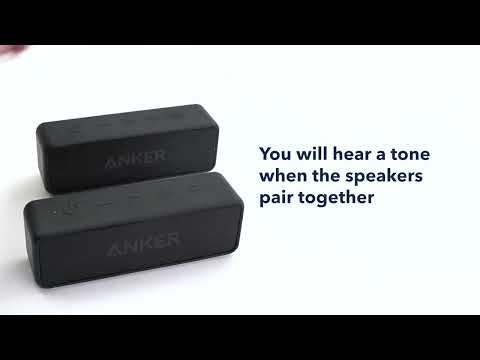
Play videoHow to pair two Soundcore 2 Speakers via True Wireless Stereo
How to pair two Soundcore 2 Speakers via True Wireless Stereo
Contact Us