This article will help you to reset the Sleep A10 earbuds. When you perform a reset on Sleep A10 earbuds, all of the settings will return to their defaults which will help you resolve any issues you may have.
1. Make sure your charging case and earbuds have enough power.
Before resetting, make sure that the charging case and the earbuds have enough battery.
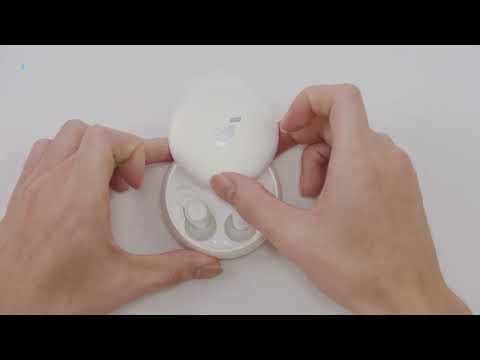
2. Place the earbuds in the charging case and leave the case open.
3. Press and hold the button on the charging case for 10 seconds.
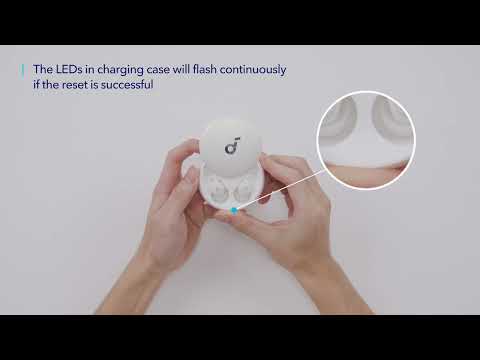
Press and hold the button on the charging case for 10 seconds until the LED indicators inside the case flash white 3 times and then flash in sequence. This confirms that the reset was successful and your earbuds can be connected normally.
Follow the above steps and you will successfully reset soundcore Sleep A10.
If you have any more issues or your issue has not been resolved, please contact us for further assistance.