How to Re-Pair AeroFit with the Existing Device or Pair a New Device
This article will provide you with a step-by-step process on how to force your AeroFit Earbuds to re-pair AeroFit with the existing device or pair a new device. Let's dive right in and unlock the full potential of your wireless experience.
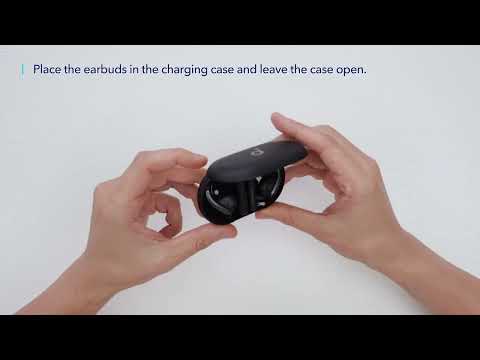
1. Place both earbuds back into the charging case, with the case lid open.
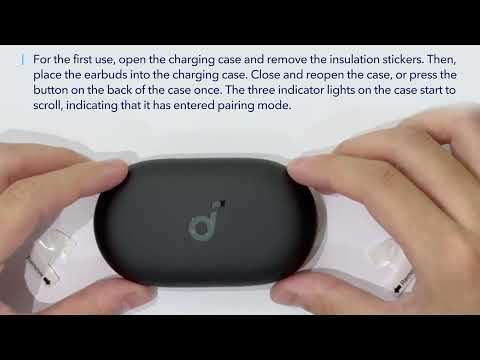
2. Press and hold the charging case button for 3 seconds. The charging case indicator light will start to scroll, and the earbuds will disconnect from the current connection and enter pairing mode.
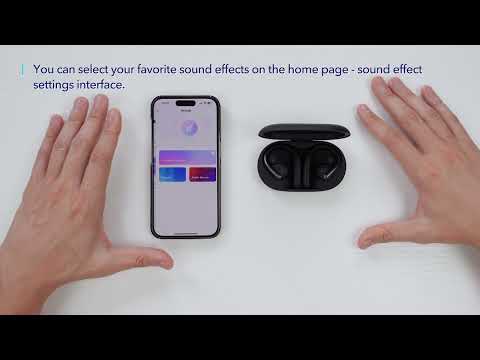
3. Turn on Bluetooth on your device and then pair it with soundcore Aerofit.
If you encounter any other issues or your issue has not been resolved, pleasecontact us for further assistance.