This article provides insights on how to improve the sound quality of your earbuds, from adjusting your phone's absolute volume feature to customizing EQ settings. Additionally, we delve into the specifics of optimizing 3D surround sound quality for an immersive experience while watching movies or playing games.
1. How do I improve the sound quality of the earbuds?
For an Android device, please sync the volume with your phone via Bluetooth settings, or disable 'Absolute Volume' in developer options.
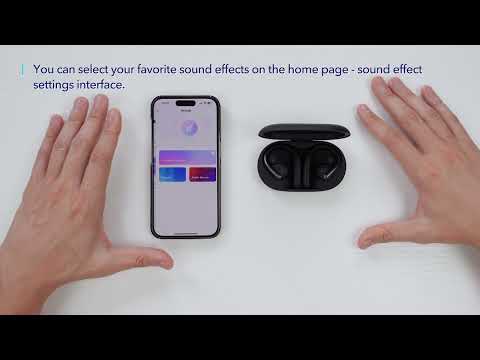
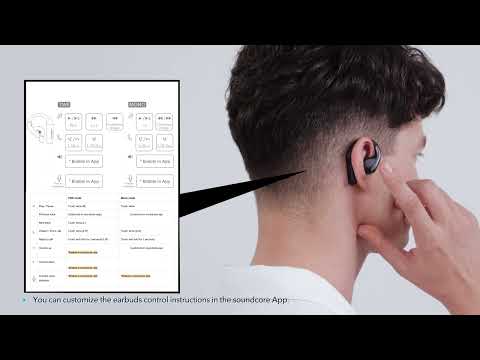
You can try setting different EQs in the soundcore app or customizing EQ settings.
In the Sound Effects section, the Podcast is specifically designed for listening to podcasts.
2. How do I improve the 3D surround sound quality of the earbuds?
Please note that 3D surround sound is not suitable for playing music.
Try using the 3D surround sound when watching movies or playing games to enhance the sense of space and three-dimensionality.
If you encounter any other issues or your issue has not been resolved, pleasecontact us for further assistance.