Have you noticed something off about your AeroFit headphones? Perhaps one side isn't producing sound, or the volume seems unusually low when you're listening to music outdoors. In this article, we'll walk you through some simple solutions to get your AeroFit earbuds back to their best.
1. What should I do if the volume of the earbuds is low when listening to music outdoors?
These earbuds do not have a noise reduction feature, allowing users to better perceive their surroundings. However, this design is affected by environmental noise, and when the environmental noise is too loud, it will affect the sound effect of the earbuds. Therefore, please avoid using them in outdoor scenarios where the noise level is high.
2. What should I do if one side of the headphones is not producing sound?
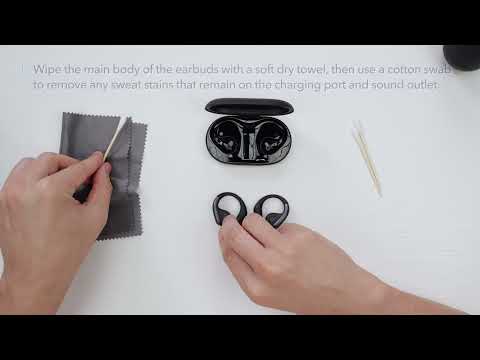
① Use a Q-tip with a bit of rubbing alcohol or a small, clean brush to gently clean the metal mesh filter.
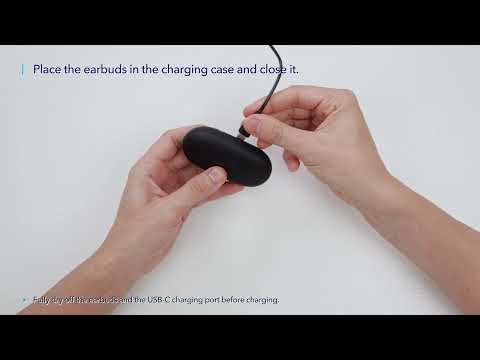
② Put both earbuds into the charging case at the same time, close the cover, and then open it to reconnect.
③ If it still doesn't work, please delete the pairing history from your Bluetooth device and then reset them per the following tips:
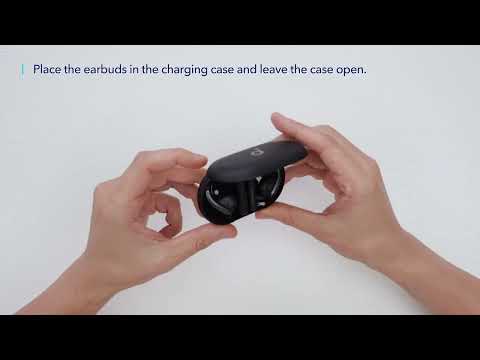
Place the earbuds in the charging case and leave the case open. Press and hold the reset button on the charging case for 10 seconds until the LED indicators on the charging case start to scroll and then stay on for 5 seconds. At this time, your earbuds have been successfully reset.
④ Try them with another device to see if the problem persists.
3. What should I do if one of the earbuds is silent when listening to music after connecting the earbuds to a MacBook?
Please confirm whether the left balance or right balance has been turned on in the Bluetooth preference settings of your MacBook. If it has been turned on, please try again after turning off the left balance/right balance.
If you encounter any other issues or your issue has not been resolved, please contact us for further assistance.