How do I use the "Ask AI" function in the soundcore app?

Select a term or keyword in the document, click the "Ask AI" button, and the system will provide you with AI-generated professional explanations or relevant background information.

Note: This feature is exclusive to Pro members.


If you encounter any other issues or your issue has not been resolved, please contact us for further assistance.

Unresolved icon
20 undefined
Download icon
soundcore work User Guide (D3200)
Download icon
soundcore Work Benutzerhandbuch (D3200)
Download icon
【D3200】【soundcore Work】EU Declaration
Download icon
soundcore Work İstifadəçi təlimatı (D3200)
Download icon
soundcore Work Guide de l'utilisateur (D3200)
Download icon
soundcore work Ръководство за потребителя (D3200)
View More
Play video
[All in one] How to Use soundcore Work | soundcore Support
Play video
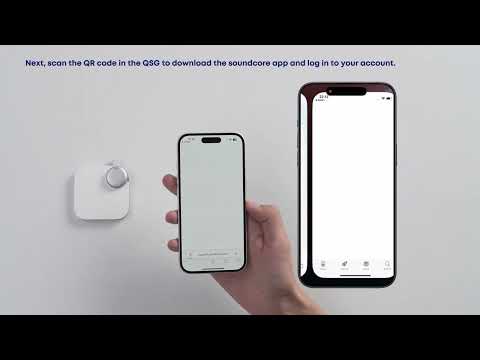
First-Time Setup: Activating and Connecting Your Device | soundcore Support
Play video
Getting Ready to Record: How to Wear and Use theDevice | soundcore Support
Play video
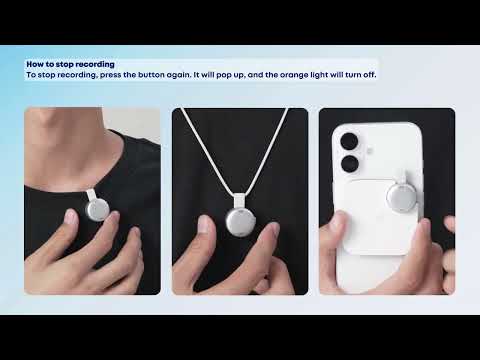
Recording Controls: Start, Stop, and Mark Key Moments | soundcore Support
Play video
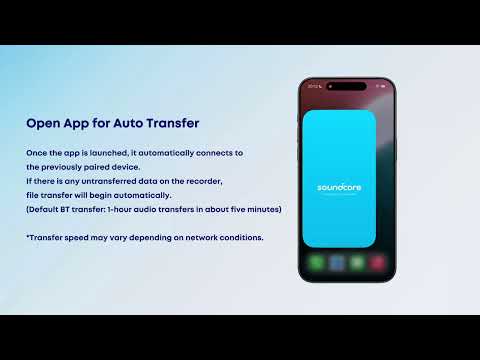
Transferring Audio Recordings for Review, Transcripption, and Summarization | soundcore Support
Play video
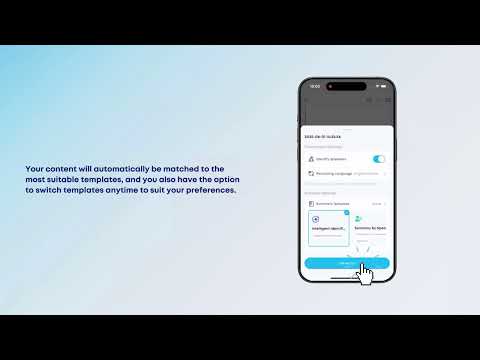
Transcribing and Summarizing Your Recordings for Easy Review | soundcore Support
View More
Contact Us