How do I use the "Aggregate Summary" in the Anker soundcore app?
Click the "Aggregate Summary" button, select multiple records on the same topic, and the system will generate a structured summary across documents for you.
If you encounter any other issues or your issue has not been resolved, please contact us for further assistance.


20 undefined
How should I wear or hold soundcore Work?


How do I turn on soundcore Work?
How can I link my soundcore Work to another account?
How do I avoid losing soundcore Work recording data?
How do I reset my soundcore Work device?
How do I clean my soundcore Work device?
How do I charge the soundcore Work charging case?

soundcore work User Guide (D3200)
soundcore Work Benutzerhandbuch (D3200)
【D3200】【soundcore Work】EU Declaration
soundcore Work İstifadəçi təlimatı (D3200)
soundcore Work Guide de l'utilisateur (D3200)
soundcore work Ръководство за потребителя (D3200)
View More


[All in one] How to Use soundcore Work | soundcore Support
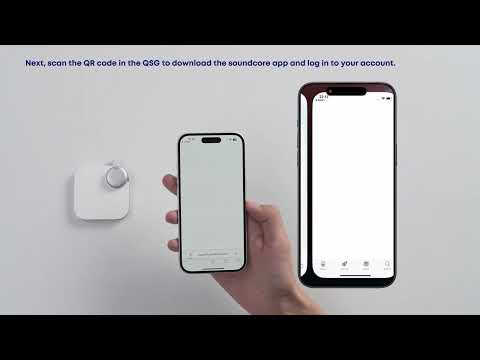
First-Time Setup: Activating and Connecting Your Device | soundcore Support

Getting Ready to Record: How to Wear and Use theDevice | soundcore Support

Recording Controls: Start, Stop, and Mark Key Moments | soundcore Support
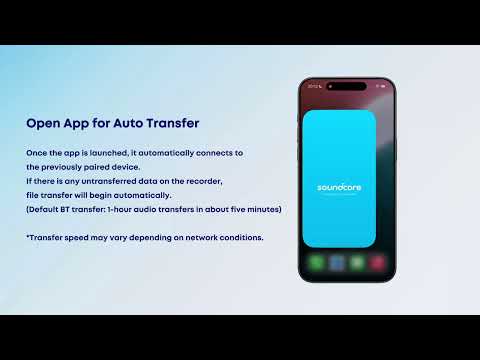
Transferring Audio Recordings for Review, Transcripption, and Summarization | soundcore Support
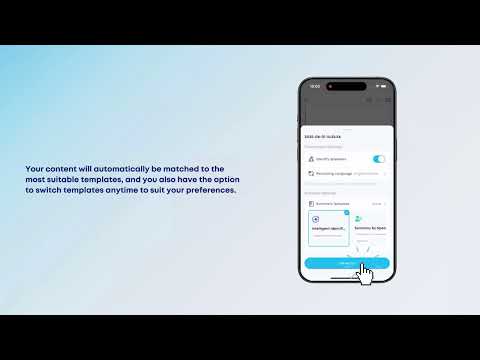
Transcribing and Summarizing Your Recordings for Easy Review | soundcore Support
View More