How do I set up Linking mode?
You can link up to five AnkerWork SR500 Speakerphones for meeting rooms of different sizes.
1. Plug the provided power adapter into a speakerphone.
2. Connect the LAN output port of one speakerphone to the LAN input port of another speakerphone with a PoE ethernet cable.
3. Connect any speakerphone in the chain to your computer using the provided USB cable. Use the USB converter if necessary.
Note:
1. The speakerphone connected to your computer is the primary device. Its settings apply to the other speakerphones in Linking mode.
2. Make sure to power the first speakerphone instead of the others in the chain
3. The LED light bar will flash to indicate Linking mode was set up successfully.


11 undefined
What settings can be controlled by the Anker Work software?


How do I set up AnkerWork SR500 with my meeting software?
Can I connect AnkerWork SR500 with my smartphone?
How do I update AnkerWork SR500's firmware?
Does AnkerWork SR500 support Bluetooth?
How do I connect AnkerWork SR500 to my devices?
How do I improve AnkerWork SR500's ability to pick up voices?
Payments & Vouchers FAQ

soundcore AnkerWork SR500 Foydalanuvchi qo‘llanmasi (A3311)
AnkerWork SR500_A3311_Manual
AnkerWork SR500 Пайдаланушы нұсқаулығы (A3311)

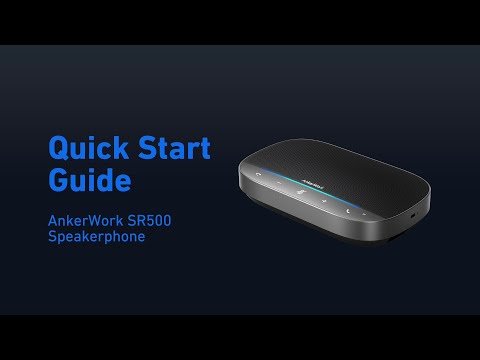
How To Set Up AnkerWork SR500