How do I set my AnkerWork SR500 as the default audio device on my Mac?
- Click "" in the top left and choose "System Preferences."
- Choose the "Sound" option.
- Select AnkerWork SR500 as your input and output.


11 undefined
What settings can be controlled by the Anker Work software?


How do I set up AnkerWork SR500 with my meeting software?
How do I set up Linking mode?
Can I connect AnkerWork SR500 with my smartphone?
How do I update AnkerWork SR500's firmware?
Does AnkerWork SR500 support Bluetooth?
How do I connect AnkerWork SR500 to my devices?
How do I improve AnkerWork SR500's ability to pick up voices?
Payments & Vouchers FAQ

soundcore AnkerWork SR500 Foydalanuvchi qo‘llanmasi (A3311)
AnkerWork SR500_A3311_Manual
AnkerWork SR500 Пайдаланушы нұсқаулығы (A3311)

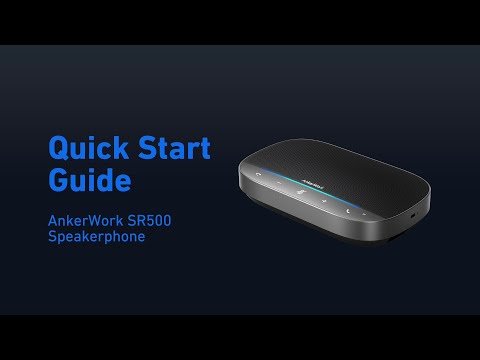
How To Set Up AnkerWork SR500