How do I connect AnkerWork SR500 to my devices?
1. Plug the provided power adapter into the speakerphone.
2. Connect the speakerphone to your computer using the provided USB cable. Use the USB converter if necessary.
3. Select AnkerWork SR500 Speakerphone for your computer system or conference software.
Note:
If the connection distance in your conference room exceeds 16 ft (5 m), use signal amplifiers to ensure effective and stable signal transmission.


11 undefined
What settings can be controlled by the Anker Work software?


How do I set up AnkerWork SR500 with my meeting software?
How do I set up Linking mode?
Can I connect AnkerWork SR500 with my smartphone?
How do I update AnkerWork SR500's firmware?
Does AnkerWork SR500 support Bluetooth?
How do I improve AnkerWork SR500's ability to pick up voices?
Payments & Vouchers FAQ

soundcore AnkerWork SR500 Foydalanuvchi qo‘llanmasi (A3311)
AnkerWork SR500_A3311_Manual
AnkerWork SR500 Пайдаланушы нұсқаулығы (A3311)

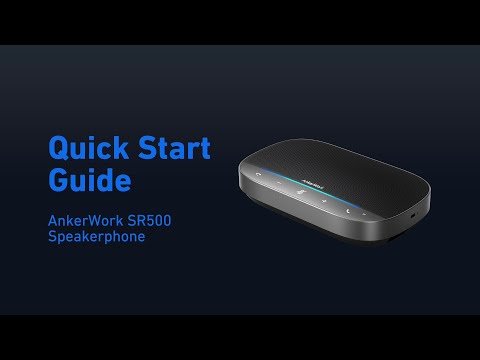
How To Set Up AnkerWork SR500