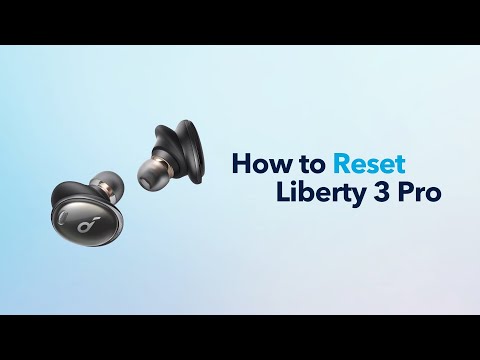
How do I power the earbuds on and off for Liberty 3 Pro(A3952)?
Power On: - The earbuds will turn on automatically when you open the charging case. - Or long press the touch pad to turn on the earbuds.
Power Off: - Put the earbuds back into the charging case and close the lid to turn off the earbuds. - The earbuds will also turn off automatically when the earbuds are outside the case, not being worn, or have been disconnected from your device for 30 minutes. (The auto power off time can be customized in the Soundcore app.) - When you are wearing the earbuds, they will only turn off when the battery runs out.
You can also click on the following link to learn more: https://youtu.be/q_XjDeZrrjE
If you have additional questions, please contact us at service@soundcore.com for further assistance.