How do I enable Dual Connection on Liberty Buds?
To pair your earbuds with a second device while already connected:
Option 1:
Press both earbud stems for 3 seconds. You will hear a prompt tone indicating the earbuds have entered pairing mode.
Option 2:
Open the app, go to Settings > More Settings > Dual Connections, and turn it on.
If you encounter any other issues or your issue has not been resolved, please contact us for further assistance.


20 undefined
How do I wear Liberty Buds correctly?


What should I do if I feel discomfort after wearing Liberty Buds for an extended period?
What should I do if Liberty Buds's noise cancellation does not meet my expectations?
What should I do if I experience dizziness and discomfort when using ANC mode on Liberty Buds?
What should I do if Liberty Buds disconnects or the sound is choppy?
What should I do if the call quality is poor on my Liberty Buds?
What should I do if there is a delay in playback between the Liberty Buds and the device?
What should I do if the person on the other end hears my voice as very quiet and unclear when I use Liberty Buds for calls?
What should I do if the other person can't hear me clearly during calls on Liberty Buds?

【D1200】【soundcore Liberty Buds】EU Declaration
soundcore Liberty Buds 取扱説明書 (D1200)
soundcore Liberty Buds دليل المستخدم (D1200)
soundcore Liberty Buds Ръководство за потребителя (D1200)
soundcore Liberty Buds Korisničko uputstvo (D1200)
soundcore Liberty Buds Uživatelská Příručka (D1200)
View More

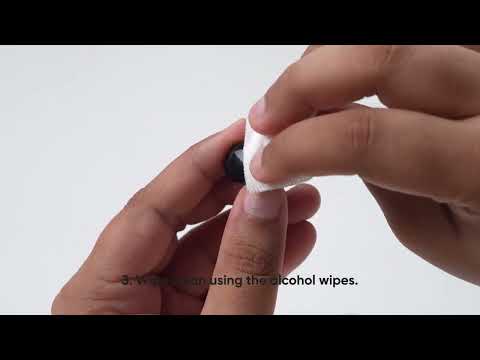
How to Deep Clean Liberty Buds | soundcore Support
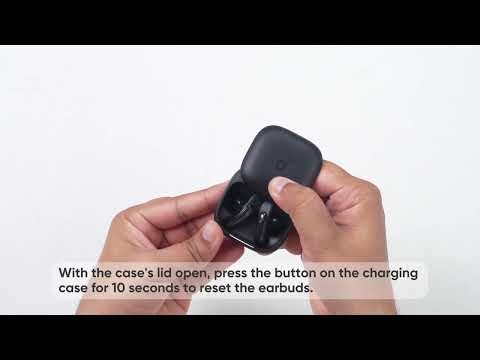
How to Reset Liberty Buds | soundcore Support

How to Wear Liberty Buds Correctly | soundcore Support

How to Connect to 2 Devices at the Same Time | soundcore Support


