Fix for soundcore Sleep A10 Earbuds Battery Draining Too Quickly
If the battery drains faster than expected, we suggest trying the following:
- Playtime in music mode is up to 6 hours at 50% volume.
- Playtime in sleep mode is up to 10 hours at 50% volume.
We also recommend you try the following tips:
- Fully charge your earbuds.
- Turn on the smart switch, the earbuds will enter sleep mode after detecting the user has fallen asleep, which can prolong battery life.
If you have any more issues or your issue has not been resolved, please contact us for further assistance.


20 undefined
Payments & Vouchers FAQ


How to Maintain and Care for soundcore Headphones
How to Register Your E-Warranty Card in the Soundcore App
Guide to Locating the Serial Number (SN) of Your soundcore Headphones
How to Reset Your soundcore Headphones
How to Clean soundcore Headphones
Parts and Accessories of soundcore Headphones
How to Fix the Low Volume of soundcore Sleep A10
Unlock Our New Easy-To-Use Warranty Service
How Does the Sleep Detection Work

EU&UK Declaration of Conformity for soundcore Sleep A10_A6610
A6610_soundcore_Sleep_A10_QSG
A6610_soundcore_Sleep_A10_Manual


How to Wear Your Sleep A10 Correctly
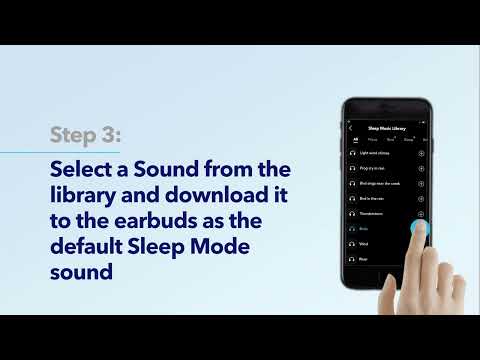
How to Use Sleep A10 Features on the soundcore app
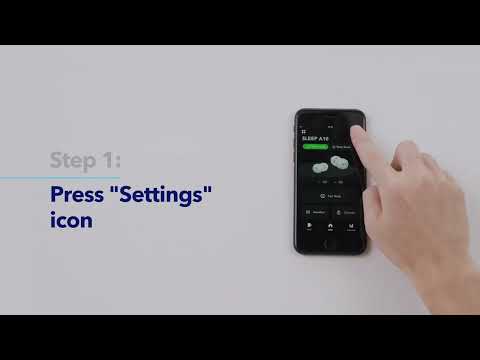
How to connect App and Update Firmware on Sleep A10
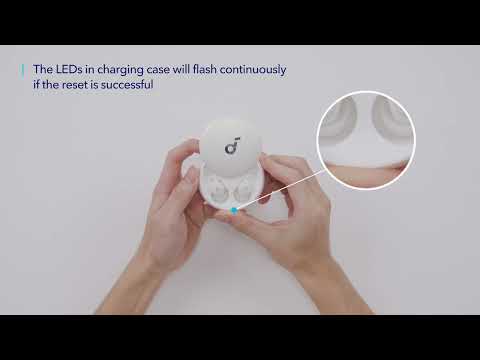
How to Use Sleep A10
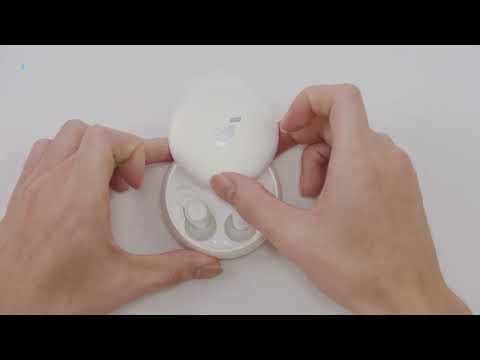
How to Pair and Reset soundcore Sleep A10

How to solve a connection issue on Sleep A10
View More


