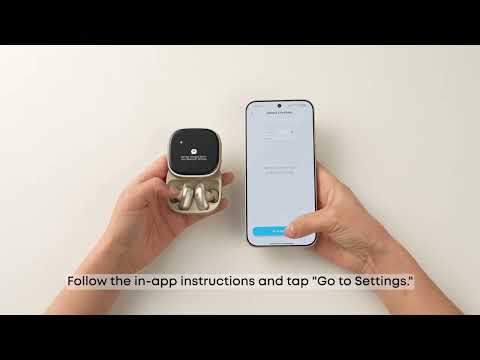
1. Check your phone settings:
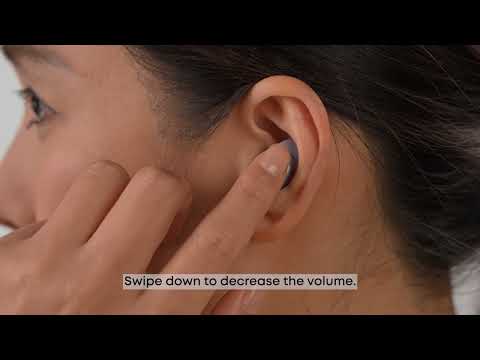
(Android) Enable "Absolute Volume" in Developer Options or select "Sync Bluetooth device volume with phone" in the Bluetooth settings. If you cannot set this, swipe up to maximize the earbud volume.
(iOS) Remove the maximum volume limit by going to Settings > Sounds & Haptics > Headphone Safety > Reduce Loud Sounds.
2. Check the app settings:
Verify if the maximum volume limit is enabled in the soundcore app by going to: Hearing Protection > Limit Loud Volume.
3. Set both the phone and earbud media volume to the maximum.
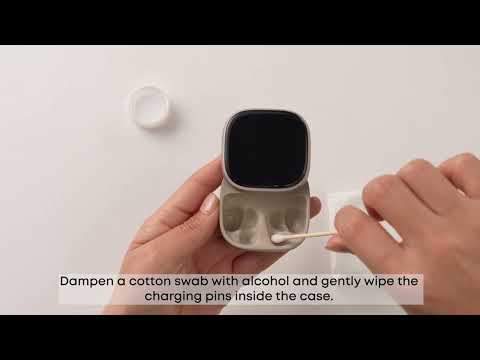
4. Use a cotton swab dampened with a small amount of rubbing alcohol to gently clean the earbud speaker outlet and rear cavity vent. (See the diagram for details on cleaning areas.)
5. As a last resort, try resetting the earbuds. Ensure the charging case has sufficient battery:
5.1. Place the earbuds in the charging case and leave the lid open.
5.2. Hold the button on the back of the charging case for 10 seconds until the screen displays "Resetting..." and returns to the home screen.
If you encounter any other issues or your issue has not been resolved, please contact us for further assistance.