If you encounter the following issues:
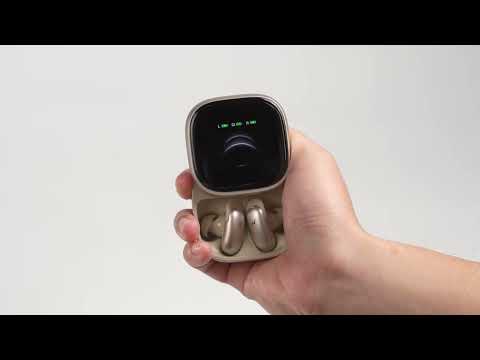
1. Charging case disconnected from device/app.
2. The phone has removed the charging case from its Bluetooth paired devices.
Troubleshooting steps:
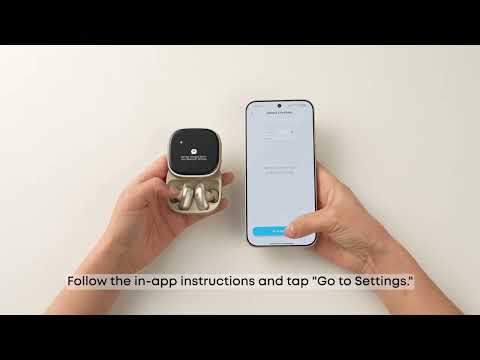
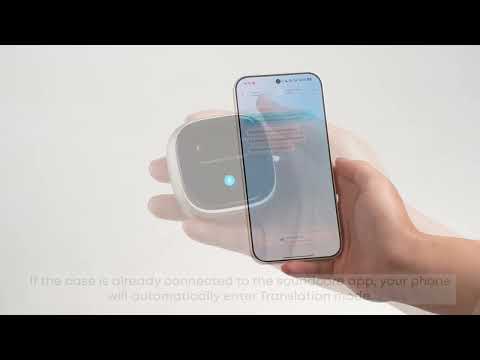
How to connect (video guide): https://www.youtube.com/watch?v=nl8LyphRBWY
1. If "Liberty 5 Pro Max Box" appears in your phone's Bluetooth list, tap it to connect manually. Then close the soundcore app completely (remove it from background) and reopen it.
2. If the phone Bluetooth screen does not show "Liberty 5 Pro Max Box," or step 1 fails:
1) Open the soundcore app and go back to the "My Devices" page. You should see the charging case card.
2) Tap the charging case card to enter the “Go to Pair” screen, then tap “Go to Pair” again to open Bluetooth settings. (The charging case will also enter pairing mode.)
3) Tap "Liberty 5 Pro Max Box" on the Bluetooth list, then confirm pairing on both the phone and the charging case. Once connected, your phone will show "Liberty 5 Pro Max Box Connected."
4) Return to the app to confirm the charging case is connected.
If you encounter any other issues or your issue has not been resolved, please contact us for further assistance.