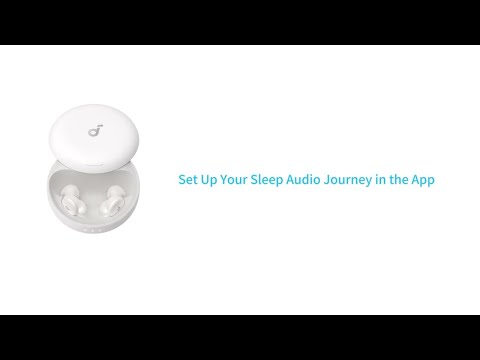
What should I do if the noise reduction on my Sleep A30 Special is not effective?

1. Adjust the wearing position to ensure a proper seal with the ear canal.

2. Try different sizes of ear tips and wings.

3. Try foam ear tips—they usually block noise better than silicone, though comfort varies.

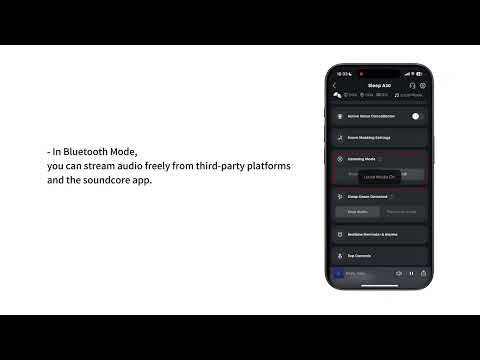
4. Adjust the active noise cancellation (ANC) settings. Our ANC feature is optimized for low-frequency noises like traffic or household appliances. If your sleep setting is set to "Play Local Audio" after detecting sleep, ANC will automatically turn off. To keep ANC on all night, switch the "Sleep Onset Detected" setting in the soundcore app to "Stop audio."


If you have any more issues or your issue has not been resolved, please contact us for further assistance.

What should I do if the noise reduction on my Sleep A30 Special is not effective?
0 undefined
EU Declaration of Conformity for soundcore A3i_A3992
A3961 QSG V2(1)
UK&CA Declaration of Conformity for soundcore Liberty 4_A3953
EU Declaration of Conformity for soundcore Liberty 4_A3953
A3947_Liberty 4 NC_QSG
Liberty 4_A3953_QSG
View More
How to use Liberty 4 Wellness features
How to Wear Liberty 4 and Change Eartips
How to Pair and Reset Sport X10
How to solve a connection issue on Sleep A10
How to Connect to the Soundcore App and Update Firmware for Sport X10
How to Use Features On the Soundcore App for Sport X10
View More
Contact Us