What if the Speaker is Not Charging?

To fix the charging issue, you can try the following steps:


- Wipe clean the tip of the charging cable.

- Try using a different cable and wall charger to recharge the speaker.

- Reset the speaker .

- Recharge it for at least half an hour in case the speaker is over-discharged.


Note: Please avoid using the speaker while it is charging since it decreases the estimated lifespan of the speaker. Moreover, most of our speakers have a built-in rechargeable battery and we’re not able to replace the battery. 
 

If you have additional questions, please contact us at service@soundcore.com for further assistance. Make sure to mention that you have tried the steps in this FAQ so our agents do not ask you to repeat these steps.

Unresolved icon
195 undefined
Download icon
A33A1_Rave Neo 2 SE_QSG (CA-Costco Customized Version)
Download icon
A33A1 Rave Neo 2 SE Manual (CA-Costco Customized Version)
Download icon
A33A1_Rave Neo 2_QSG
Download icon
A33A1_Rave Neo 2_Manual
Download icon
【A33A1】soundcore Rave Neo 2 EU Declaration
Download icon
soundcore Rave Neo 2 User Guide (A33A1)
View More
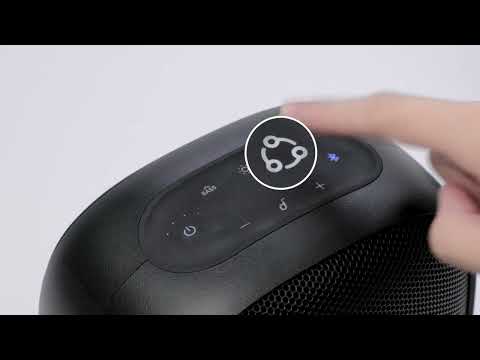
Play videoHow to pair Rave Neo 2 with Select Pro
How to pair Rave Neo 2 with Select Pro
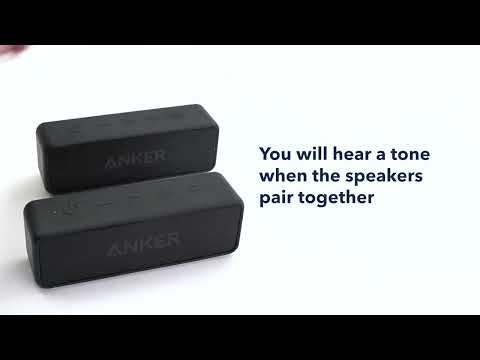
Play videoHow to pair Rave Neo 2 with Rave Neo
How to pair Rave Neo 2 with Rave Neo
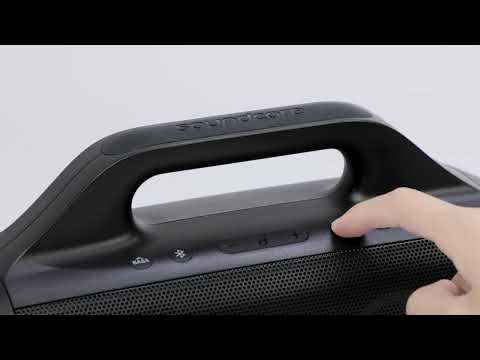
Play videoHow to pair Rave Neo 2 with Flare 2
How to pair Rave Neo 2 with Flare 2
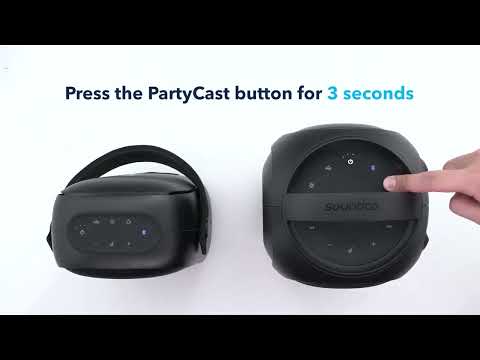
Play videoHow to pair Rave Neo 2 with Rave PartyCast
How to pair Rave Neo 2 with Rave PartyCast
Play videoHow to pair Motion Boom Plus with Rave PartyCast
How to pair Motion Boom Plus with Rave PartyCast
Play videoHow to pair Rave Neo, Rave PartyCast, and Trance Go Speakers via PartyCast
How to pair Rave Neo, Rave PartyCast, and Trance Go Speakers via PartyCast
View More
Contact Us