Can both iOS and Android phones cast the screen?
Thank you for supporting our product.
Yes.
iOS: Install the Nebula Cast app from your projector, connect to the same network, enable Screen Mirroring, and select your projector.
Android: Install the Google Home app, connect to the same Wi-Fi, and tap the screen-mirroring button.
If you have any other questions, please don't hesitate to contact Nebula Customer Support at service@soundcore.com for further assistance.


20 undefined
What is FlexWave technology and its key advantages?


Why can the Wireless Surround Speakers and Wireless Microphones only be used with Nebula X1 Pro?
What are the channel modes and speaker placement options for the Wireless Surround Speakers?
What are spatial adaptation and spatial recall?
What are the key features of wireless microphones?
What is IEA 5.0?
How is the cooling performance?
How long is the life of the light source?
Is X1 Pro a native 4K projector?

Nebula X1 Pro User Guide (D2151)
【D2151】【soundcore NEBULA X1 Pro】EU Declaration

Nebula X1 Pro Unboxing and Quick Start Guide
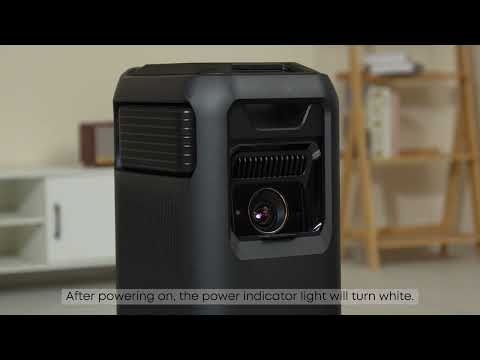
Unboxing and Quick Start Guide for the Nebula X1 Pro
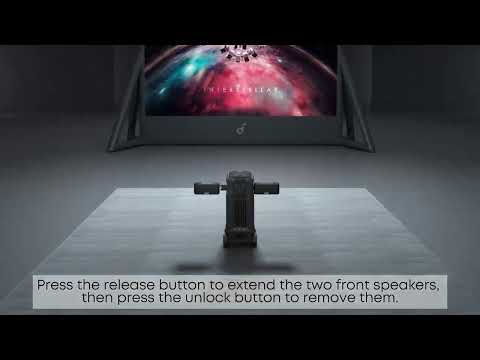
How to Set up Wireless Surround Speakers for a Great Listening Experience
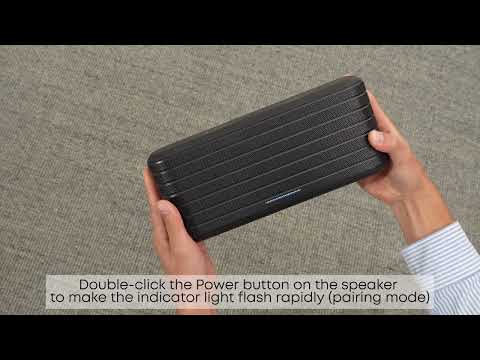
How to Pair Surround Speakers and Microphones
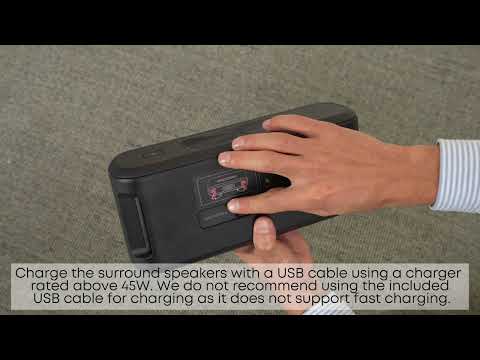
How to Charge the Surround Speakers and Microphones
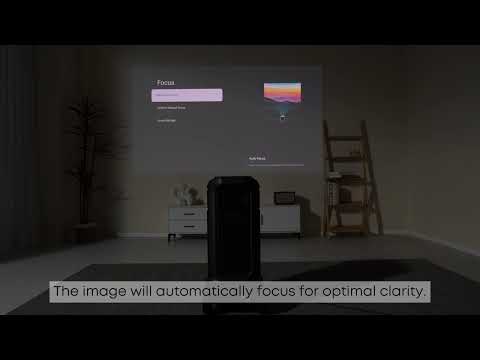
How to Focus Your Nebula X1 Pro
View More


