How to reset soundcore C40i Ear Clips

If you're experiencing issues with your earbuds, resetting them can often resolve the problem. Follow these simple steps to reset your earbuds:


Return the earbuds to the charging case and leave the case open. Then, press the button on the case for at least 5 seconds until the LED turns red. The LED will then flash red three times before switching to a rapid white flash, indicating a successful reset.


If you encounter any other issues or your issue has not been resolved, please contact us for further assistance.

Download icon
How to reset soundcore C40i Ear Clips
Unresolved icon
20 undefined
How do I connect soundcore C40i Bluetooth earbuds
2639 views2 likes/2025-04-08 16:03:39
Wearing Guide for soundcore C40i Ear Clips
1494 views4 likes/2025-04-08 16:03:39
How can I maintain battery health and longevity
1337 views1 likes/2025-04-08 16:03:40
How to Enable Multipoint Connection for C40i
1077 views1 likes/2025-04-08 16:03:39
How to reset soundcore C40i Ear Clips
956 views1 likes/2025-04-08 16:03:39
Tips for Wearing soundcore C40i for Better Sound
659 views1 likes/2025-04-08 16:03:41
soundcore C40i Ear Clips FAQ
808 views1 likes/2025-04-08 16:03:39
soundcore C40i Ear Clips Dual Connections Related
503 views1 likes/2025-04-08 16:03:40
Download icon
EU Declaration of Conformity for soundcore C30i
Download icon
soundcore C30i 用户指南 (A3330)
Download icon
soundcore C30i دليل المستخدم (A3330)
Download icon
soundcore C30i Uživatelská Příručka (A3330)
Download icon
soundcore C30i Brugervejledning (A3330)
Download icon
soundcore C30i Οδηγός χρήσης (A3330)
View More
Play videoHow-to Video for C30i
How-to Video for C30i
Play videoHow to Use C30i's Controls
How to Use C30i's Controls
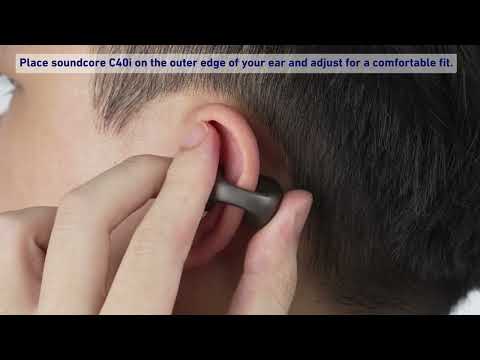
Play videoHow to Wear C30i
How to Wear C30i
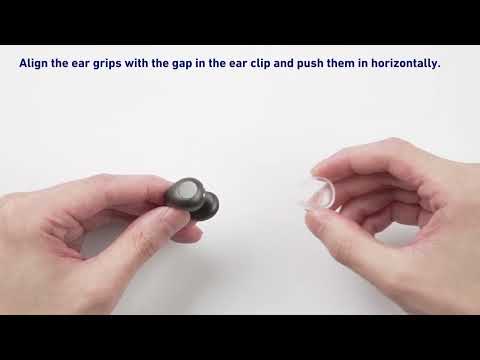
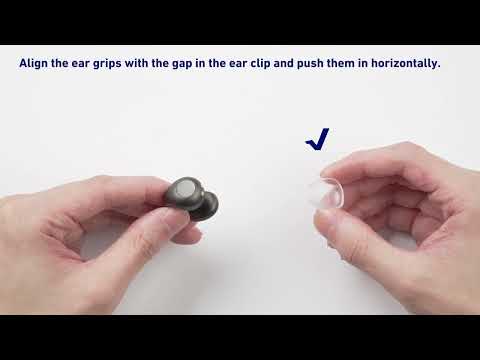
Play videoHow to Install C30i's Ear Grips
How to Install C30i's Ear Grips
Play videoLearn how to unbox C30i
Learn how to unbox C30i
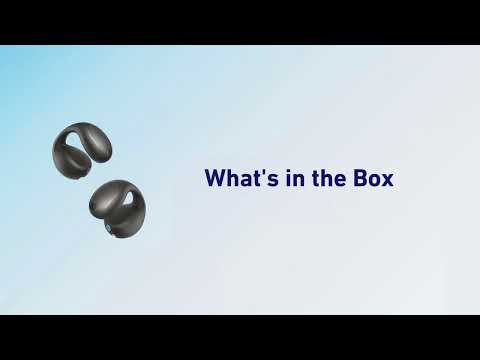
Play videoWhat's in the Box of soundcore C40i
What's in the Box of soundcore C40i
View More
Contact Us