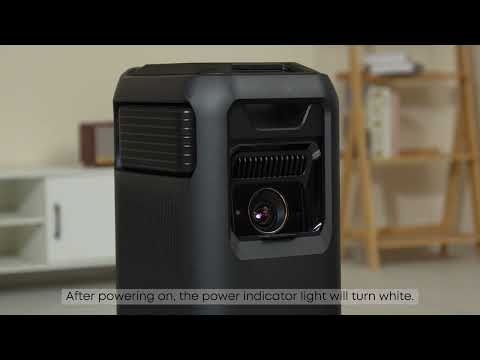
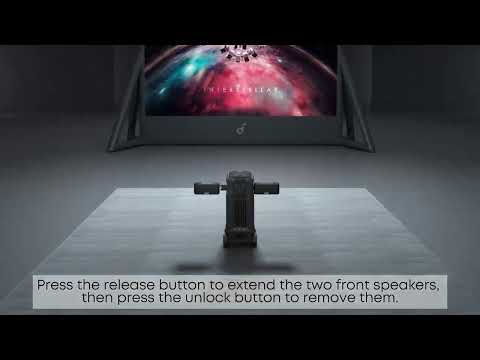
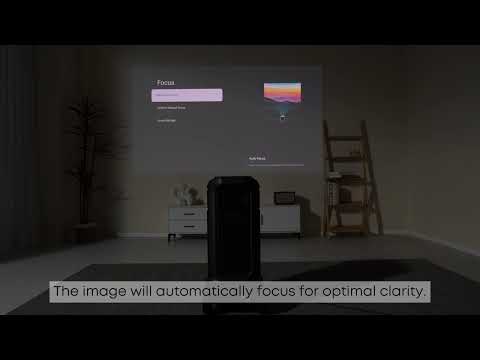
Thank you for supporting our products. We are pleased to announce that our latest models now include the CEC (Consumer Electronics Control) feature. CEC allows HDMI-connected devices—such as projectors, set-top boxes, gaming consoles, and soundbars—to communicate with each other, making it possible to control multiple devices with a single remote control for added convenience.
To access this feature, go to:
All Settings > Channels & Inputs > Inputs > HDMI Control
(HDMI Control is enabled by default.)
Please note that some devices may use different protocols, which could result in limited functionality or prevent certain features from being controlled via the projector’s remote. We are actively working to enhance compatibility by collaborating with third-party device manufacturers and highly value your feedback. Please stay tuned for future updates as we continue to improve and expand CEC support.
Enhancing your user experience remains our top priority. If you have further questions, please refer to the user manual or contact our customer support team.