You can optimize the projection screen size for your current environment using one of the following methods:
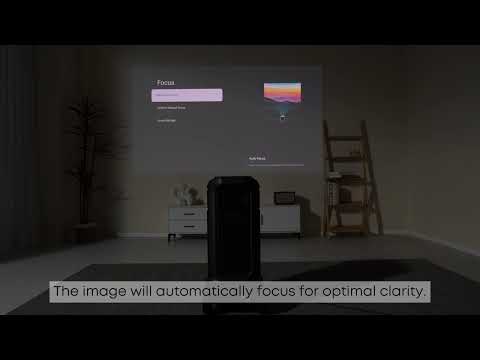
Enable Spatial Adaptation Activate the projector’s spatial adaptation feature. With this function turned on, the projector will automatically detect and adjust the image size to fit your space, ensuring optimal display dimensions.
Manual Adjustment via "Move & Zoom" Alternatively, you can manually customize the image size and position by navigating to the "Move & Zoom" settings in the projector’s menu. This allows you to set the screen size and placement according to your personal preferences.
For detailed instructions, please refer to the user manual or contact our customer support team for further assistance.