Thank you for supporting our product. You can adjust the Bluetooth mode on your projector in the following ways:
-
Through Projector Settings:
Go to Settings > Display & Sound > Sound, then enable Bluetooth Speaker Mode. -
Via Google Dashboard:
Navigate to Google Dashboard > Sound, and turn on Bluetooth Speaker Mode. -
Connect Your Phone:
Open the Bluetooth settings on your phone, find your projector in the device list, and connect to it.
Please note:
Once Bluetooth Speaker Mode is enabled, the projector will function as a Bluetooth speaker only and will not display images. You can play videos or audio on your phone, and the sound will be output through the projector.
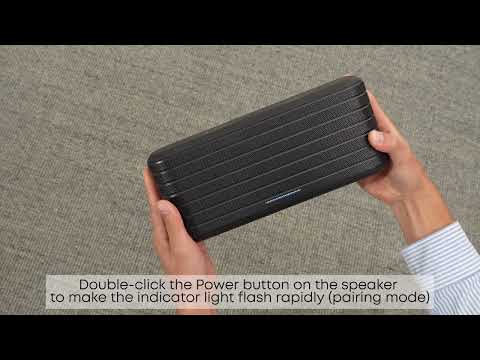
If you'd like to connect your projector to an external Bluetooth speaker instead, simply pair the speaker via Settings > Remotes & Accessories.
For further assistance, please refer to the user manual or contact our customer support team.