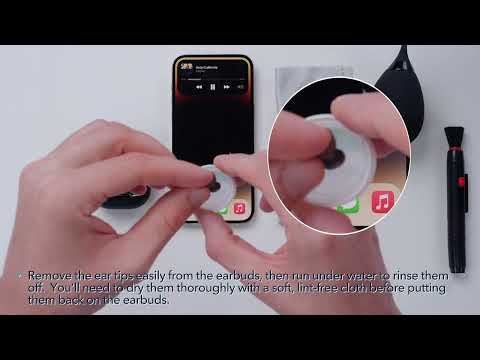
If the noise cancelling performance of your Liberty 4 earbuds falls short of your expectations, try the following to optimize noise cancelling performance.
Firstly, make sure you have the latest firmware version. If not, please update your firmware. Once you have done that, try the following tips:
1) Try other sizes of ear tips. Ensure you're using a size that fits well and creates a tight seal.
2) Make sure you're wearing the earbuds in the correct position so that they create a tight seal. To check if you're wearing the earbuds in the best position, take the Fit Test on the soundcore app.
3) Take the HearID ANC test to personalize your noise-canceling profile.
4) Try different ANC modes to see which one suits your environment best.
Note: In a noisy environment, you may feel that the noise-canceling performance is not as strong.
If you encounter any other issues or your issue has not been resolved, please contact us for further assistance.