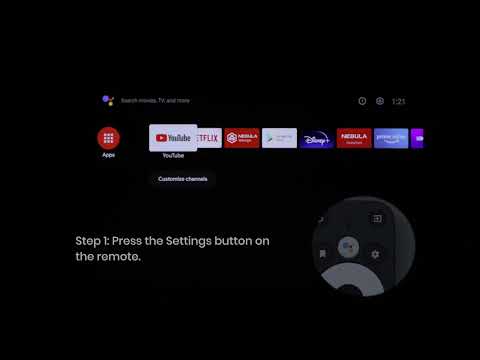
If you are having trouble controlling the volume or find that Cosmos Laser's volume is too low, try the following:
1. Update the firmware of the 4K dongle and Cosmos Laser to the latest version:
- Press the Settings button on the remote and select Settings > Device Preferences > About > System Update.
- Press the Settings button on the remote and select Settings > Device Preferences > About > Projector Firmware Update.
2. Pair the remote with Cosmos Laser.
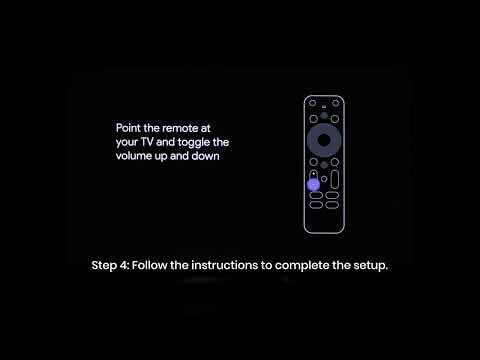
3. Set up the Cosmos Laser remote buttons:
- Go to Settings > Set up Remote Buttons > Add Device > TV or press the Settings button on the remote.
- Select Nebula as the TV brand.
- Follow on-screen instructions to finish the setup.
If you still have any questions or concerns regarding volume control, contact us for further assistance.