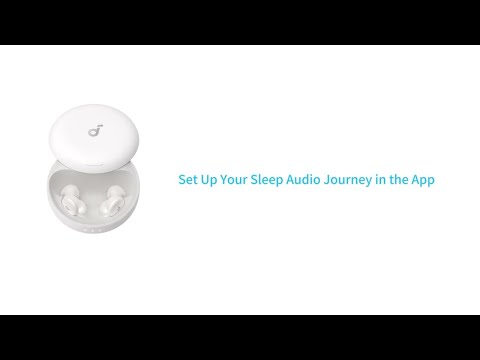
If you are experiencing these problems:
- Earbuds not pairing.
- Sound only coming from one earbud.
- One side not pairing with the other side or the device.
- Lack of audio playback after connecting to my device.
- Failure to automatically connect with my device upon removing from the charging case.
You can refer to the steps in this article to solve your problem.
1. Ensure that the protective film covering the connectors on the earbuds has been removed.
2. Make sure the ear wings are installed properly and do not block the earbuds' charging pins, as this may prevent them from pairing correctly.
3. Reboot the Bluetooth device (e.g., phone). Forget all the previous pairing records on your device and disable Bluetooth.
4. Full charge your earbuds and reset the earbuds as per the steps below:
- Place the earbuds into the charging case and keep the case open.
- Press and hold the Reset button on the back of the charging case for 10 seconds. The indicator light inside the charging case will start flashing quickly, indicating it is in pairing mode, and blink slowly once pairing is successful.
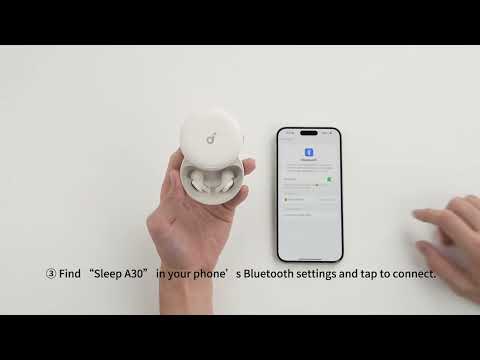
5. Turn on the Bluetooth of your device and search for soundcore Sleep A30 and pair.
6. Please try it with another device (phone/tablet/etc.) and see if the issue persists.
If there is a pop-up window to confirm pairing for "soundcore Sleep A30 Special," please select "pair" If you accidentally select "cancel" you need to refresh (turn off and turn on) the Bluetooth of your device and pair the earbuds again.
If you have any more issues or your issue has not been resolved, please contact us for further assistance.