How to Connect Your Liberty 4 NC to Samsung S23 Ultra
Additional tips on pairing your Liberty 4 NC earbuds with a Samsung Galaxy S23 series mobile phone.
1. Open your phone and go to > Settings > Bluetooth
2. Find soundcore Liberty 4 NC, and press the gear icon on the right:
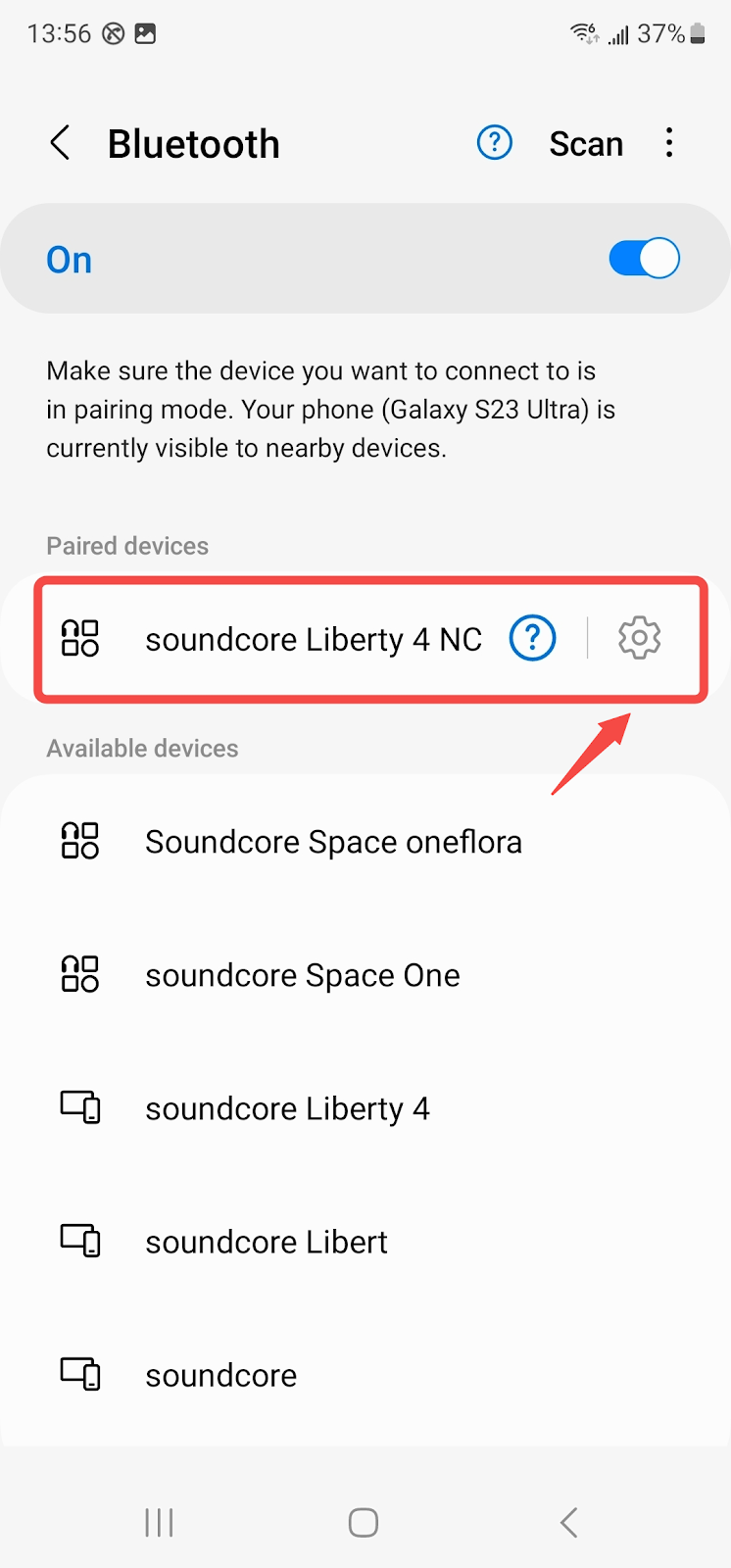
3. Turn on " Calls" and "Audio", and turn off "LE Audio":

4. Go back to Bluetooth, and reconnect Liberty 4 NC:

5. After connecting, update the earbuds' firmware to the latest version (V3.73 or above)
If you have any more issues or your issue has not been resolved, please contact us for further assistance.

20 undefined
How to Power soundcore Liberty 4 NC On and Off


Payments & Vouchers FAQ
How to Maintain and Care for soundcore Headphones
How to Register Your E-Warranty Card in the Soundcore App
Guide to Locating the Serial Number (SN) of Your soundcore Headphones
How to Reset Your soundcore Headphones
How to Clean soundcore Headphones
Parts and Accessories of soundcore Headphones
How to Fix the Audio Delay Issue on Liberty 4 NC Earbuds
How to Fix the Disconnecting and Sound Interrupted Issues

soundcore Liberty 4 NC Ръководство за потребителя (A3947)
soundcore Liberty 4 NC Korisničko uputstvo (A3947)
soundcore Liberty 4 NC Kasutusjuhend (A3947)
soundcore Liberty 4 NC Vartotojo vadovas (A3947)
soundcore Liberty 4 NC Lietotāja rokasgrāmata (A3947)
soundcore Liberty 4 NC Упатство за корисник (A3947)
View More

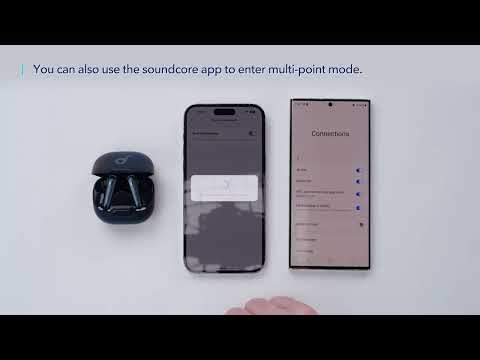
How to use multipoint connection on Liberty 4 NC
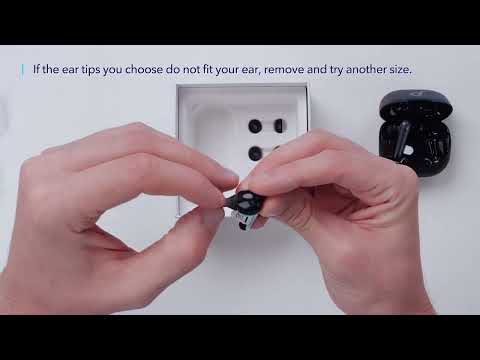
How to wear Liberty 4 NC and change eartips
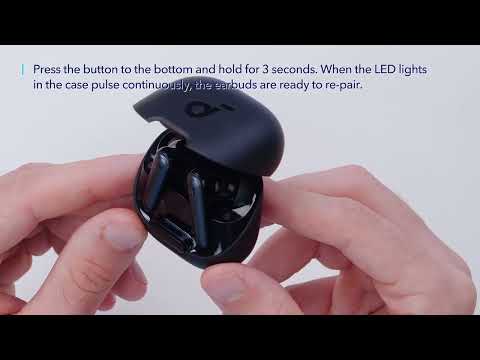
How to re-pair and reset Liberty 4 NC

How to use soundcore Liberty 4 NC

How to use Liberty 4 NC's control
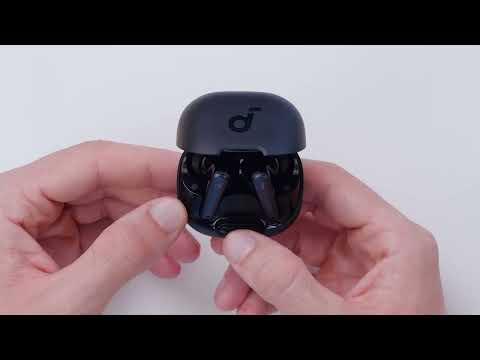
What to do if the Liberty 4 NC bluetooth connection fails
View More


