How do I turn the soundcore Liberty 5 Pro Max charging case on and off?
Power on: Open the charging case to turn it on. The startup process takes about 6–7 seconds.
Power off:
Manual power-off: go to "Settings" on the case > Power Off > Confirm.
Auto power-off: The case will automatically power off to save energy in the following situations:
1) If it is not low on battery and remains disconnected from devices for more than 7 days.
2) If the battery is below 10% and the case is idle, it will power off after both the earbuds and case are disconnected from devices.
If you encounter any other issues or your issue has not been resolved, please contact us for further assistance.


20 undefined
soundcore Liberty 5 Pro Max FAQ


What should I do if I hear noise while using soundcore Liberty 5 Pro Max's ANC mode on bumpy roads?
What should I do if I feel dizzy or pressured in my ears when using soundcore Liberty 5 Pro Max's ANC mode?
What should I do if I encounter wind noise when using soundcore Liberty 5 Pro Max outdoors?
Why does soundcore Liberty 5 Pro Max's Adaptive mode have no noise cancellation effect?
Why does the ANC feel inconsistent between the left and right earbuds of soundcore Liberty 5 Pro Max?
How do I reset soundcore Liberty 5 Pro Max?
How can I troubleshoot the following connection issues with soundcore Liberty 5 Pro Max?

soundcore Liberty 5 Pro Max Guía del Usuario (D1204)
soundcore Liberty 5 Pro Max Guida per L'utente (D1204)
soundcore Liberty 5 Pro Max Guide de l'utilisateur (D1204)
soundcore Liberty 5 Pro Max Benutzerhandbuch (D1204)
soundcore Liberty 5 Pro Max Uživatelská Příručka (D1204)
【D1204】【soundcore Liberty 5 Pro Max) EU Declaration
View More


How Do I Wear My soundcore Liberty 5 Pro Max Properly?

How Do I Use the Touch Controls?
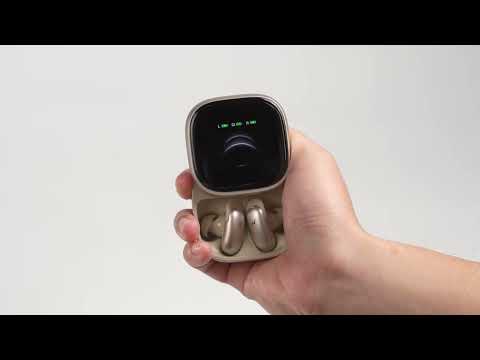
How Do I Pair or Reset the Earbuds?

How do I Clean My Earbuds and Charging Case?
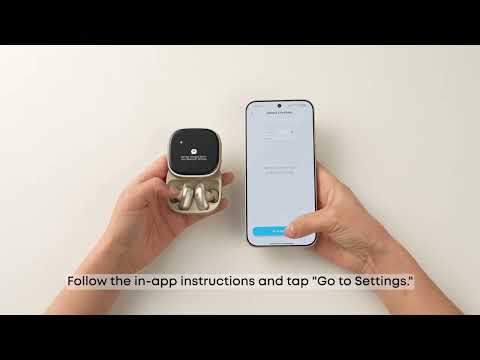
How Do I Connect to Liberty 5 Pro Max's Charging Case?
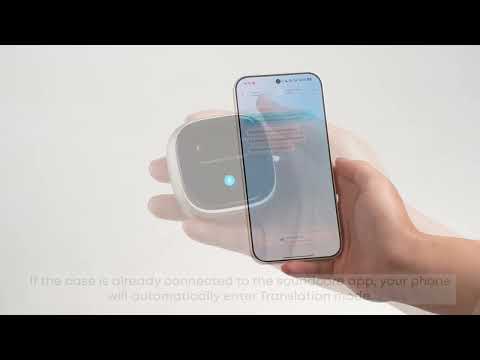
How Do I Use AI Translation on the Charging Case?
View More


