How do I turn off the Sleep A30 Special alarm when it goes off?
1. Double-tap either earbud to pause the alarm.
2. Place the earbuds back into the charging case to automatically stop the alarm.
If you have any more issues or your issue has not been resolved, please contact us for further assistance.


20 undefined


How do I switch between Bluetooth and Local mode?
How do I adjust the volume in Local mode?
How do I check the remaining charge of my charging case?
How do indicator lights behave while charging?
Why does one earbud drain battery faster than the other?
Why is there no Sleep Report data?
Why doesn’t the Sleep Reminder do anything when I turn it on?
What should I do if the earbuds stay connected to my device even after being placed in the charging case and the lid is closed?

soundcore Sleep A30 (neu) Benutzerhandbuch (D1301S)
soundcore Sleep A30 Special User Guide (D1301S)

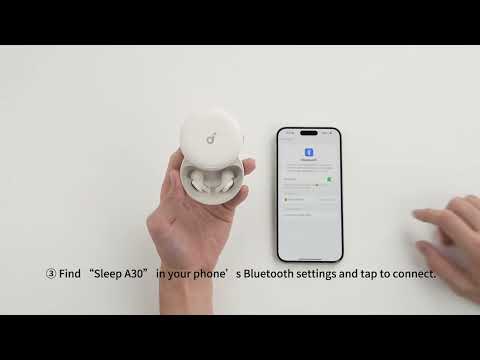
Connecting with Bluetooth
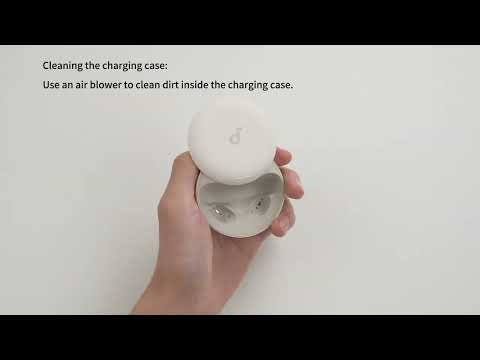
Deep Cleaning Your Earbuds

Setting Audio Timer
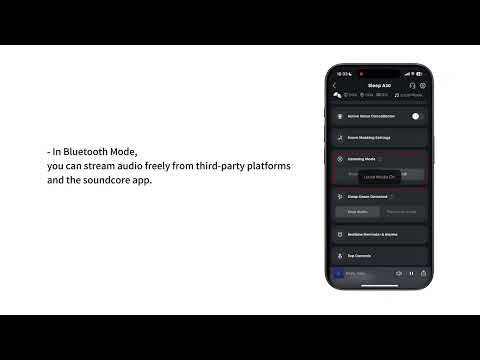
What are the two audio modes and how do I use them?
Setting Audio Playback for When You're Asleep

Set Up Your Sleep Audio Journey in the App
View More


