How do I set the input and output to soundcore Liberty 5 Pro Max on a computer?
Windows:
For music only: Set the PC audio output to "soundcore Liberty 5 Pro Max Stereo."
For calls:
1) Set PC audio input and output to "soundcore Liberty 5 Pro Max Hands-Free."
2) In your conferencing software on the PC, set audio input and output to "soundcore Liberty 5 Pro Max Hands-Free."
Mac:
Set both audio input and output to "soundcore Liberty 5 Pro Max."
If you encounter any other issues or your issue has not been resolved, please contact us for further assistance.


20 undefined
soundcore Liberty 5 Pro Max FAQ


What should I do if I hear noise while using soundcore Liberty 5 Pro Max's ANC mode on bumpy roads?
What should I do if I feel dizzy or pressured in my ears when using soundcore Liberty 5 Pro Max's ANC mode?
What should I do if I encounter wind noise when using soundcore Liberty 5 Pro Max outdoors?
Why does soundcore Liberty 5 Pro Max's Adaptive mode have no noise cancellation effect?
Why does the ANC feel inconsistent between the left and right earbuds of soundcore Liberty 5 Pro Max?
How do I reset soundcore Liberty 5 Pro Max?
How can I troubleshoot the following connection issues with soundcore Liberty 5 Pro Max?

soundcore Liberty 5 Pro Max Guía del Usuario (D1204)
soundcore Liberty 5 Pro Max Guida per L'utente (D1204)
soundcore Liberty 5 Pro Max Guide de l'utilisateur (D1204)
soundcore Liberty 5 Pro Max Benutzerhandbuch (D1204)
soundcore Liberty 5 Pro Max Uživatelská Příručka (D1204)
【D1204】【soundcore Liberty 5 Pro Max) EU Declaration
View More

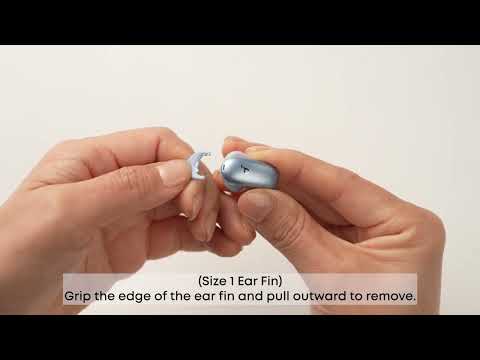
How Do I Wear My soundcore Liberty 5 Pro Max Properly?
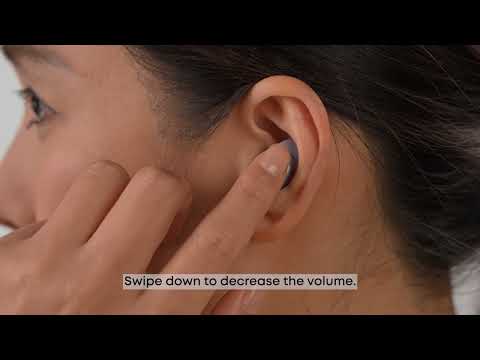
How Do I Use the Touch Controls?
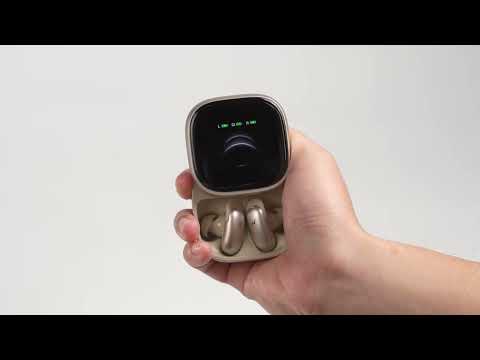
How Do I Pair or Reset the Earbuds?

How do I Clean My Earbuds and Charging Case?
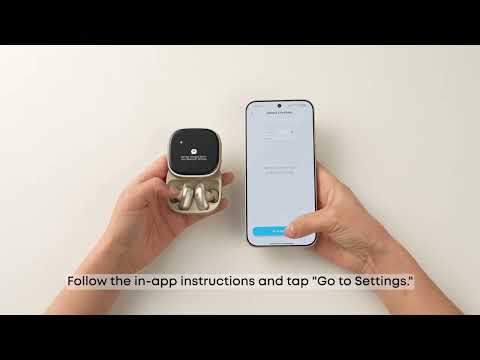
How Do I Connect to Liberty 5 Pro Max's Charging Case?
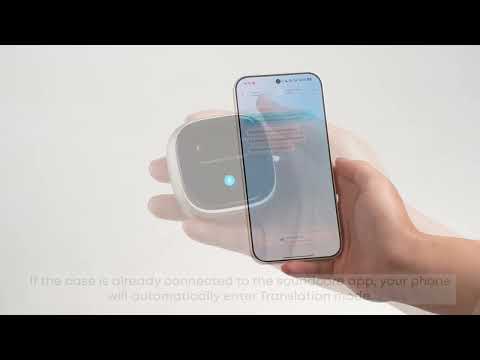
How Do I Use AI Translation on the Charging Case?
View More


