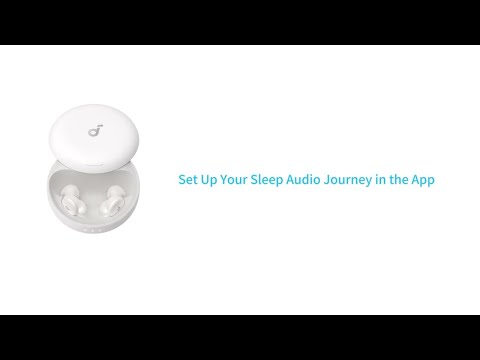
How do I download white noise to my Sleep A30 Special?

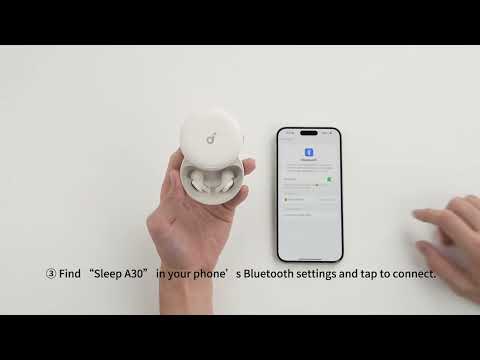
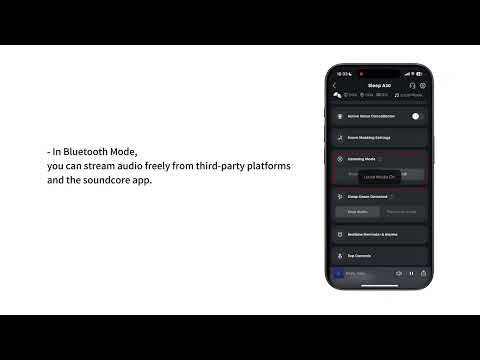
White noise must be downloaded through the soundcore app while your earbuds are connected in Bluetooth mode. Downloads are supported in both Local and Bluetooth mode, but third-party audio cannot be imported. Only 1 white noise track can be saved in your earbuds at a time.


How to download:

1. Open the soundcore app and go to “Audio Library”

2. Tap the “White Noise” tab and select the audio you want to download

3. Tap the Up-Arrow icon at the bottom of the play bar

4. Tap “Transfer” in the pop-up menu to start the download

5. Once download is complete, the white noise will automatically be saved to your earbuds and be available for playback in Local mode


If you have any more issues or your issue has not been resolved, please contact us for further assistance.

How do I download white noise to my Sleep A30 Special?
0 undefined
EU Declaration of Conformity for soundcore A3i_A3992
A3961 QSG V2(1)
UK&CA Declaration of Conformity for soundcore Liberty 4_A3953
EU Declaration of Conformity for soundcore Liberty 4_A3953
A3947_Liberty 4 NC_QSG
Liberty 4_A3953_QSG
View More
How to use Liberty 4 Wellness features
How to Wear Liberty 4 and Change Eartips
How to Pair and Reset Sport X10
How to solve a connection issue on Sleep A10
How to Connect to the Soundcore App and Update Firmware for Sport X10
How to Use Features On the Soundcore App for Sport X10
View More
Contact Us