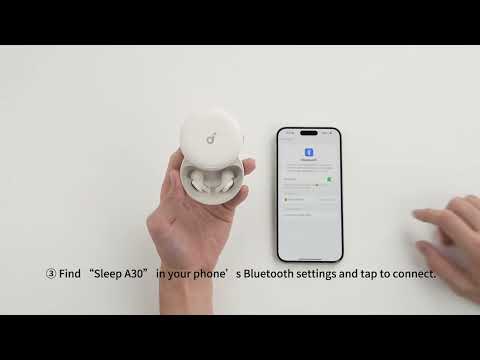
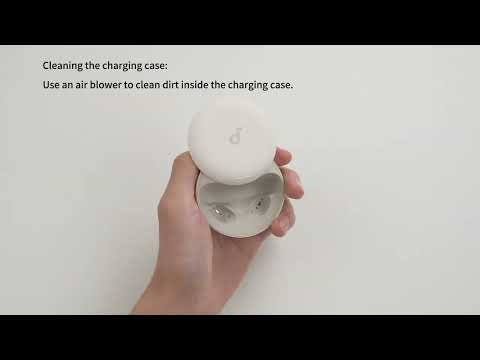
Clean your earbuds regularly to remove any dust or earwax.
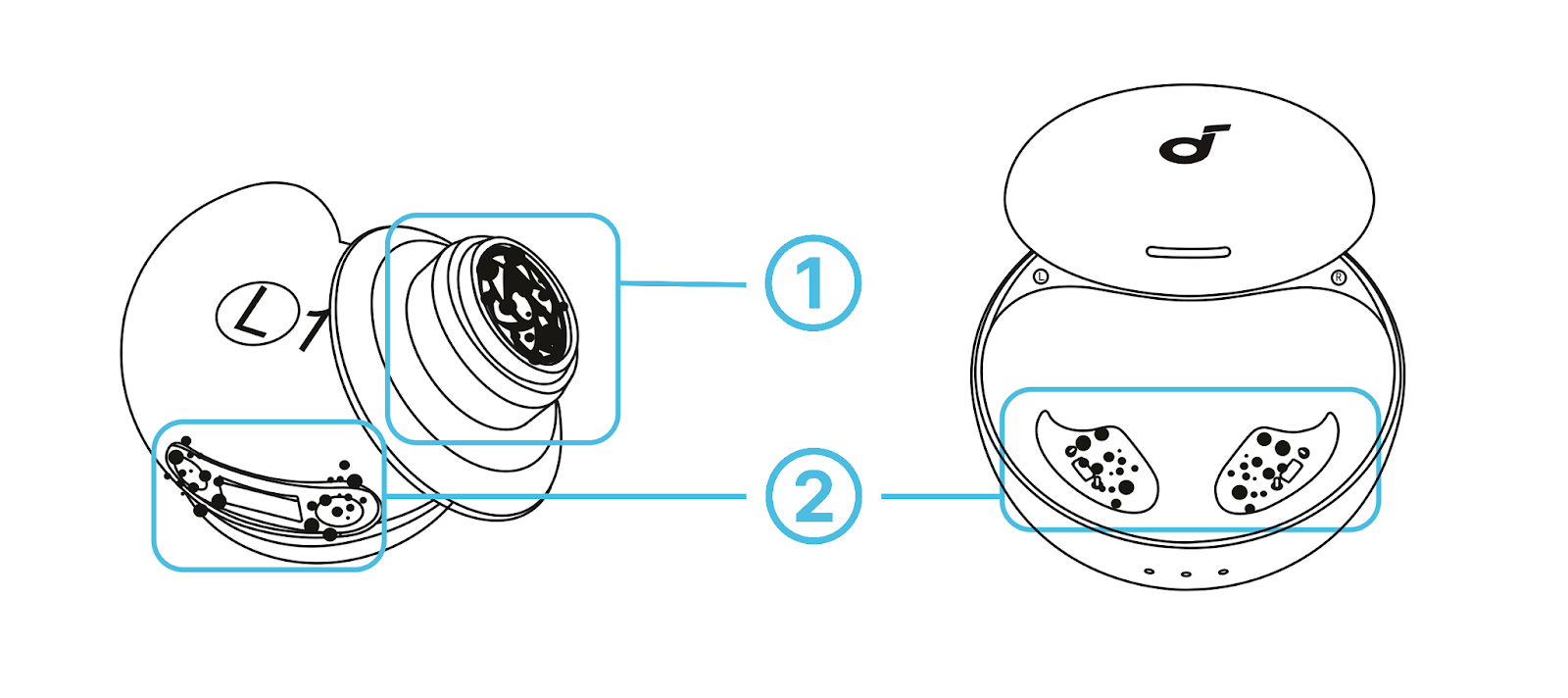
1. Use a cotton swab lightly dampened with alcohol to gently clean the metal mesh filter under the ear tip (refer to ①).
2. Use the same method to clean the charging contacts on the earbuds and inside the charging case (refer to ②).
3. For instructions on cleaning your earbuds, please refer to this video: https://www.youtube.com/watch?v=A_Xraio5ZFo
Note:
1.If your earbuds have low volume or no sound, please clean the front nozzle and ear tip area (refer to ①).
2.If your earbuds are not charging or remain connected when placed in the case, please clean the charging case and the metal charging contacts on the earbuds (refer to ②).
3.Memory foam ear tips are consumables and require periodic replacement.
4.If tips become damp, gently blot with a paper towel and air-dry in a cool, shaded area.
If you have any more issues or your issue has not been resolved, please contact us for further assistance.