How can I pair Boom 2 SE with Motion Boom Plus using PartyCast?
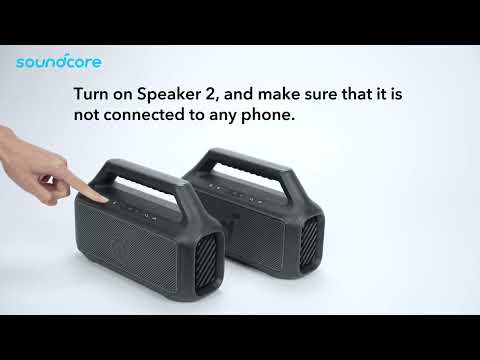
Both Boom 2 SE and Boom Plus speaker are support Partycast function, you can refer to the following steps to pair both speakers at the same time:
1. Turn on both speakers.
2. Press the PartyCast button on each speaker, and the indicator light will turn white.
3. You'll hear a prompt indicating successful pairing.
If you have additional questions, please contact us at service@soundcore.com for further assistance.


7 undefined
soundcore Boom 2 SE FAQ


How to Register Your E-Warranty Card in the Soundcore App
Guide to Locating the Serial Number (SN) of Your soundcore Speakers
How can I extend the battery life of Boom 2 SE?
What should I do if I can't find Bluetooth devices?
Will Boom 2 SE automatically shut down?
Can I turn off the on/off beep sound?

soundcore Boom 2 SE User Guide (A3148)
soundcore Boom 2 SE 使⽤者指南 (A3148)
soundcore Boom 2 SE Руководство пользователя (A3148)
soundcore Boom 2 SE Przewodnik użytkownika (A3148)
soundcore Boom 2 SE Guida dell'utente (A3148)
soundcore Boom 2 SE ⽤户指南 (A3148)
View More

How to Use TWS Pairing with Boom 2 SE speakers?


