How can I extend the battery life of Boom 2 SE?
Our soundcore Boom 2 SE speaker comes with a built-in rechargeable battery. Here are some tips on how to improve the battery life of speakers:
1. Do not completely discharge the battery before recharging.
2. Recharge the battery as soon as possible when the low-battery indicator is on.
3. Stop charging once the battery is fully charged.
4. Do not expose the speaker to harsh environments with extremely hot or cold temperatures.
5. Recharge the speaker regularly (once every 3 months) if it has not been used for a prolonged period.
If you have additional questions, please contact us at service@soundcore.com for further assistance.


7 undefined
soundcore Boom 2 SE FAQ


How to Register Your E-Warranty Card in the Soundcore App
Guide to Locating the Serial Number (SN) of Your soundcore Speakers
How can I pair Boom 2 SE with Motion Boom Plus using PartyCast?
What should I do if I can't find Bluetooth devices?
Will Boom 2 SE automatically shut down?
Can I turn off the on/off beep sound?

soundcore Boom 2 SE User Guide (A3148)
soundcore Boom 2 SE 使⽤者指南 (A3148)
soundcore Boom 2 SE Руководство пользователя (A3148)
soundcore Boom 2 SE Przewodnik użytkownika (A3148)
soundcore Boom 2 SE Guida dell'utente (A3148)
soundcore Boom 2 SE ⽤户指南 (A3148)
View More

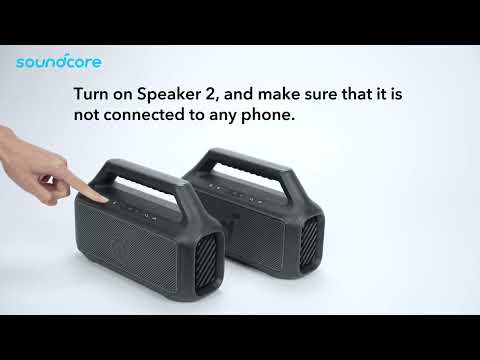
How to Use TWS Pairing with Boom 2 SE speakers?


