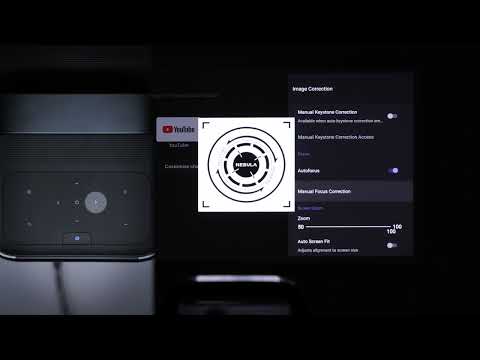
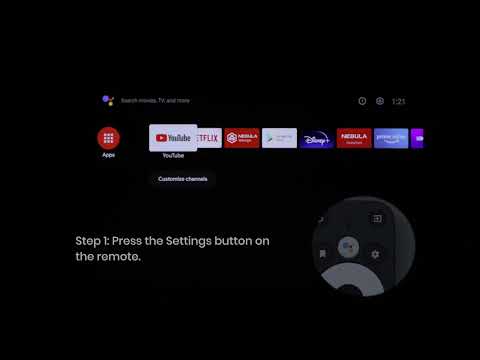
Press the Projector Settings button on top of the projector or press the Source button on the remote, then go to Picture. You can choose from one of several picture modes to best suit your environment and input source.
Standard: Keeps natural-looking colors with a balance of warm and cool tones.
Vivid: Provides more picture details and color sharpness.
Soft: Provides warm colors with lower light.
Movie: Provides the best colors for watching movies.
Game: Increases the brightness and response time level for playing video games.
Custom: Manually set the contrast, saturation, sharpness, color temperature, and gamma, or reset the values.
If you still have any questions or concerns regarding the picture mode, please contact us for further assistance.